Transactional Email Service (2026): What It Is and How Rovela Delivers
What a transactional email service is — queued, DKIM-signed sending from your domain, tracking, webhooks, and mailboxes — and how Rovela provides it over HTTP.
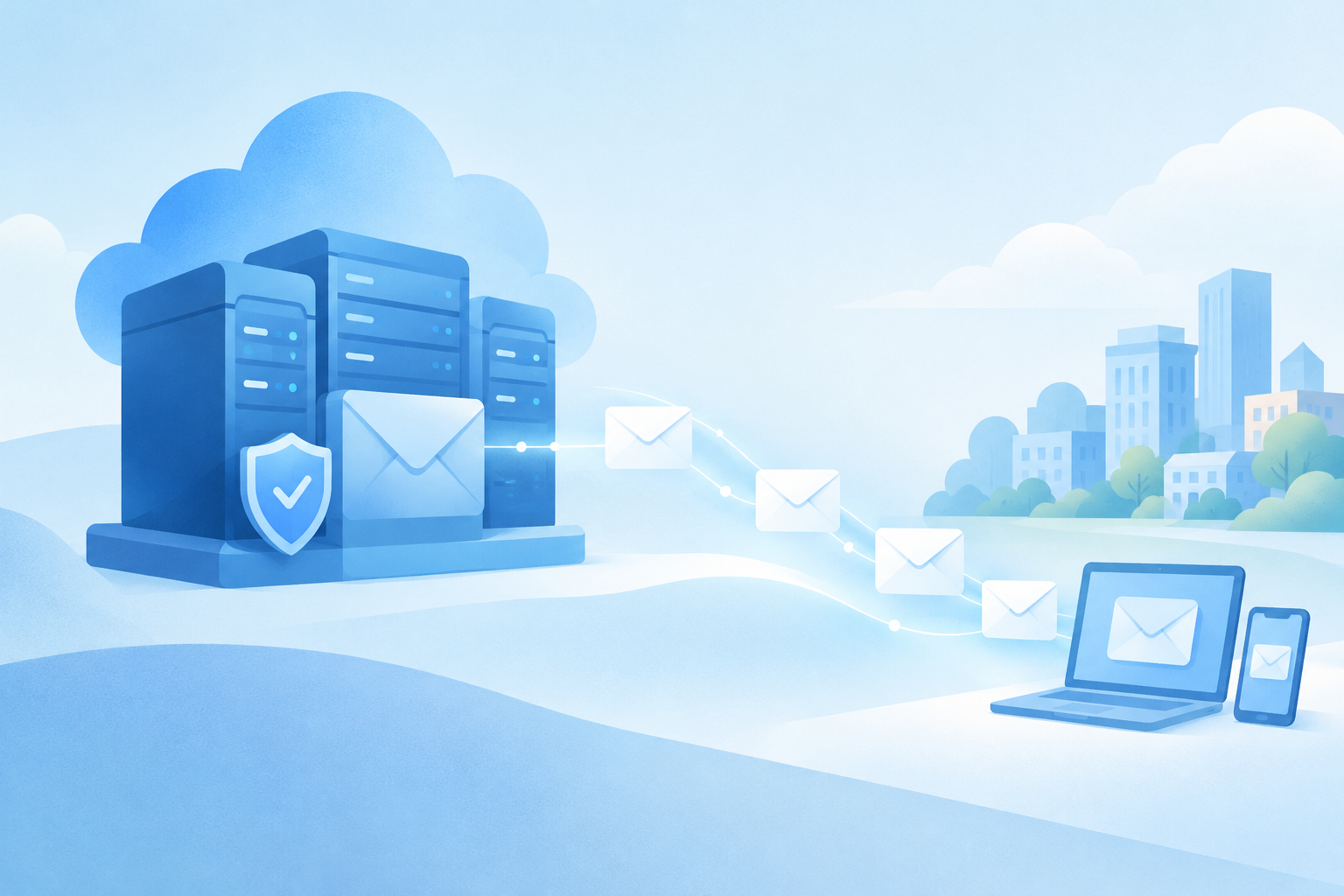
What a transactional email service is
A transactional email service is the hosted system that takes the messages your product must send — a sign-up code, a password reset, a receipt, a security alert — and actually delivers them from your domain. The application still decides when and to whom; the service queues the message, DKIM-signs it with your domain key, aligns SPF, records what happened, and (if you subscribe) tells your app via a webhook.
That is a broader product than a single HTTP verb. Rovela’s transactional email and Email API are that service: you POST JSON to /emails, and you can also run business mailboxes on the same verified domain. This article is the “what you are buying” view. The API-shaped pillar is Transactional Email API; the category distinction is Transactional vs Marketing Email; the “plain HTTP vs running a mail stack yourself” angle is A Simple Transactional Email API.
Start from the Email API product page, the Quick Start, the Send Email API, and Authentication.
Related product guides in this series:
- REST Email API
- Email API for Startups
- Send Email Programmatically
- Email API vs SMTP Relay
- Transactional Email Provider
- Email Delivery Status API
- Email API Authentication
- HTML Email API
- Email API Retries
- Email API for Multi-Tenant SaaS
- Receipt Email API
- Email API Logs
- Email API Rate Limits
- Transactional Email Infrastructure
What the service has to get right
Transactional mail is expected. If a reset link never arrives, or arrives twice with two different tokens, you get a support ticket — or a locked-out customer. A service worth using therefore does more than accept a socket connection:
- It speaks the same protocol as the rest of your backend. Rovela is plain HTTP and JSON at
https://api.rovela.dev. There is no official SDK to install (Installation). - Acceptance is not delivery. A
200with{"object":"email","id":"…"}means the message was queued. You later GET /emails/:id or listen for delivery webhooks (Email Delivery Status API, Transactional Email Webhooks). - Retries can be made safe. An
Idempotency-Keyheader (up to 256 characters) makes a retry of the same request within 24 hours return the original response instead of sending again (Idempotency Keys for Email APIs, Email API Retries). - The domain is yours. The
fromaddress must be on a verified sending domain. Unverified domains are refused with400. See Verified Domain Email API and What Is an Email Domain?. - You can see what happened. The dashboard Emails and Logs views keep a timeline and the original API error; you are not guessing from an SMTP transcript you do not have (Email API Logs).
If you are choosing a transport rather than a service, start with Email API vs SMTP and Email API vs SMTP Relay.
What you get with Rovela
On every plan, including Free, the service includes the full sending API (single, batch, schedule, and query), inbound mail, webhooks, templates, open and click tracking, automatic bounce and complaint suppression, and business mailboxes on your own domain (Pricing). Plans differ in how much you can send and store, not in whether those basics exist.
A typical path looks like this:
- Create an account at rovela.dev/signup. The free plan sends real mail — there is no separate sandbox or test key (Quick Start).
- Add and verify a sending domain (SPF, DKIM, DMARC, and return-path). DNS changes take time; a failure just after publishing usually means “not yet.”
- Create a
sending_accessAPI key for production senders. Reading a message, cancelling, or managing domains needsfull_accessor a dashboard session (Authentication, Email API Authentication). POST /emailsfrom your server withfrom,to,subject, andhtmland/ortext(or a storedtemplate).
curl -X POST https://api.rovela.dev/emails \
  -H "Authorization: Bearer re_your_sending_key" \
  -H "Content-Type: application/json" \
  -H "Idempotency-Key: verify-signup-8f3a2c" \
  -d '{
    "from": "Acme <no-reply@yourdomain.com>",
    "to": "alice@example.com",
    "subject": "Your Acme code: 482913",
    "html": "<p>Your verification code is</p><p style=\"font-size:28px;letter-spacing:6px\"><b>482913</b></p><p>It expires in 10 minutes.</p>",
    "text": "Your verification code is 482913. It expires in 10 minutes."
  }'
Quota is charged per recipient, not per message. A message may address at most 50 recipients across to, cc, and bcc. Batch sending is POST /emails/batch for up to 100 messages in one request (Batch Transactional Email API).
Mailboxes are part of the same service
Programmatic volume should go through the HTTP API, which adds tracking, logs, and webhooks. Every Rovela business mailbox can also send over SMTP so Outlook, Apple Mail, or a phone can use the same domain — host mx.rovela.dev, port 465 with SSL/TLS, the mailbox address plus a device credential, send-as-self only, up to 30 messages a minute from one client address (SMTP, Transactional Email API + Hosted Mailboxes). That is not a high-volume application relay; treating it as one is the usual mistake when people search for an “SMTP relay” (Email API vs SMTP Relay).
Inbound routes and email.received webhooks cover the other direction (Inbound and Outbound Email API, Inbound Email API Webhooks).
When a service beats running the stack yourself
You can run mail infrastructure yourself — Rovela’s Installation page describes a self-hosted path, and Self-Hosting a Mail Server covers the operational cost. A fresh IP has no reputation; ports 25, 465, 587, and 993 have to be reachable; PTR, TLS, backups, and bounce handling are now your job. A transactional email service is what you use when you want that work already done, and still want the messages to come from your domain.
For how the pieces sit together — queue, DNS, logs, webhooks, hosted vs self-hosted — see Transactional Email Infrastructure. For a checklist when you evaluate vendors, see Transactional Email Provider.
FAQ
Is a transactional email service the same as a marketing platform? No. Transactional messages are triggered by a user action and go to a specific person. Marketing broadcasts, newsletters, and one-click unsubscribe are a different product surface (Marketing email, Transactional vs Marketing Email).
Do I need an SDK? No. Any language that can make an HTTPS request works (Email API, Send Email Programmatically).
Can I start without a card? Yes. The free plan is 100 emails a month, one domain, and five mailboxes, with no card required (Pricing, Email API for Startups).
How do I know a message arrived? Query GET /emails/:id (and /events) with a full_access key, or subscribe to webhooks. A send 200 is not delivery (Email Delivery Status API).
Put the service behind your product events
Hook sign-up, checkout, and password reset to POST /emails from the server, with an Idempotency-Key per logical action (Send Transactional Email from Your App). Let Rovela queue, sign, and deliver; spend your engineering time on the product event, not on a mail server.