Transactional vs Marketing Email: Why the Distinction Matters
Mixing transactional and marketing email streams is one of the most common causes of deliverability problems. Here is what sets them apart and how to keep them on separate infrastructure.
Transactional vs Marketing Email: Why the Distinction Matters
Most teams start by picking one email provider and sending everything through it. Password reset, welcome onboarding, weekly newsletter, promotional offer — same API key, same IP pool, same domain. This is the fastest way to build, and one of the fastest ways to damage your deliverability.
What makes an email transactional
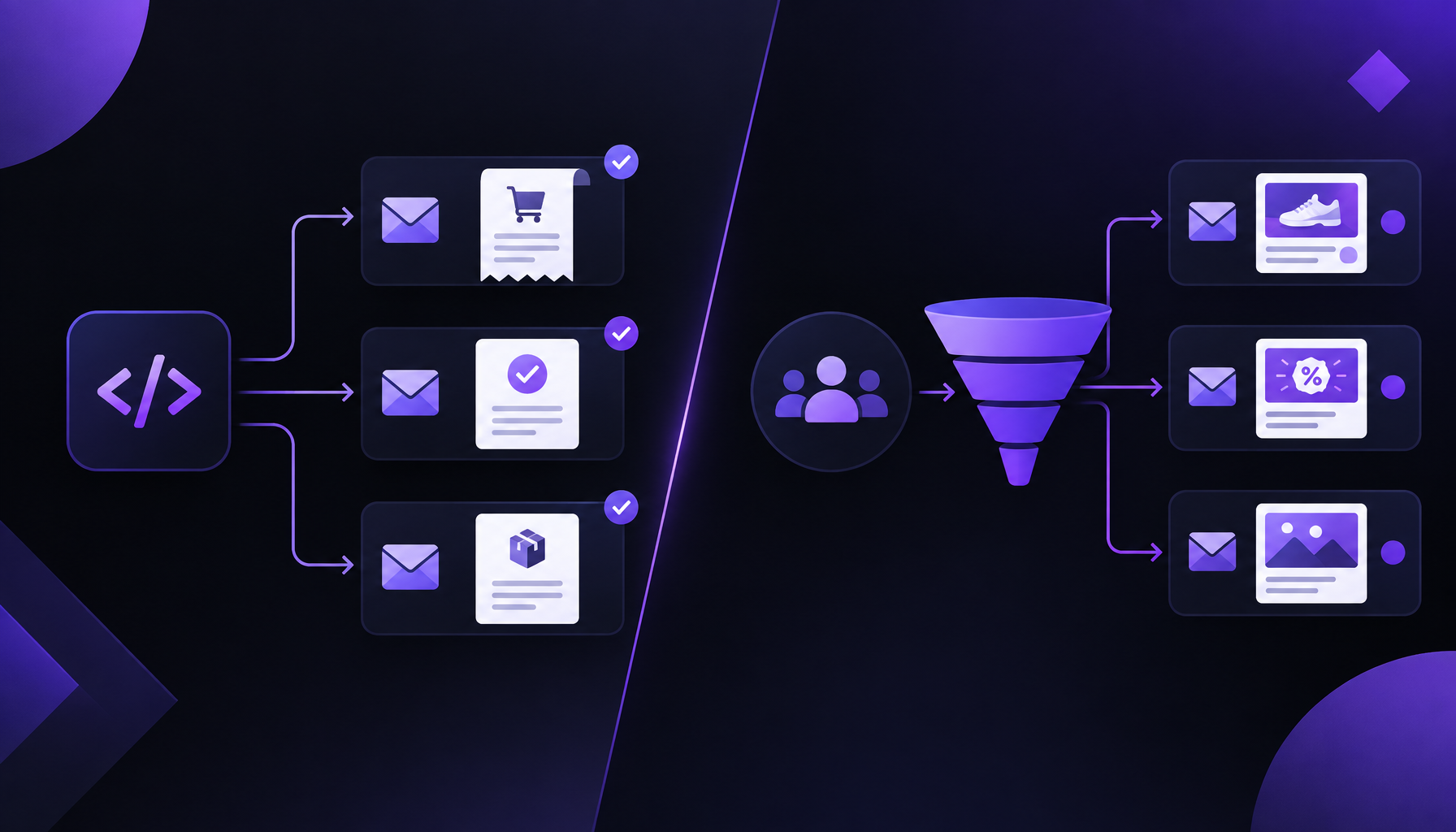
A transactional email is triggered by a specific action the recipient took:
- Password reset
- Email address confirmation
- Invoice or receipt
- Order shipped notification
- Two-factor authentication code
- Account change alert
The recipient expects it, often immediately. Failing to deliver it is a product failure, not just a marketing miss. These emails must arrive in the inbox.
What makes an email marketing
A marketing email is sent to a list based on a business decision, not a recipient action:
- Weekly newsletter
- Product announcement
- Promotional offer
- Re-engagement campaign
- Event invitation
The recipient opted in at some point, but they did not trigger this specific email right now. Some will engage; some will unsubscribe; some will mark it as spam. That spam rate is the metric inbox providers use to calibrate how much they trust your sending domain and IP.
Why mixing them is dangerous
When a spike in spam complaints from a newsletter affects the same IP pool as your password reset emails, those resets start landing in spam too. One unhappy newsletter subscriber can delay a password reset for a completely different user.
The domains and IPs that carry marketing mail should be expendable. If a campaign performs poorly and earns a bad reputation, you rotate the domain and move on. You cannot do that with the domain printed on your invoices and embedded in two years of password reset links.
How to separate them
| Transactional | Marketing | |
|---|---|---|
| Domain | mail.acme.com | news.acme.com |
| IP pool | Dedicated, low-volume | Shared or warm-up pool |
| Unsubscribe | Account-level only | List-Unsubscribe header required |
| Timing | Immediate, event-driven | Scheduled or batched |
| Volume | Spiky, unpredictable | Controlled, gradual warm-up |
Rovela supports multiple sending domains per organization. Add a separate domain for marketing, warm it up with gradually increasing volume, and keep your transactional domain pristine.
The one rule
If the email would still need to be sent even if the recipient had unsubscribed from your newsletter, it is transactional. Treat it that way.