Verified Domain Email API (2026): Send from Your Own Domain with Rovela
Rovela refuses unverified from addresses with 400. Add DNS (SPF, DKIM, DMARC, return-path), verify the sending domain, optionally restrict API keys, then POST /emails.
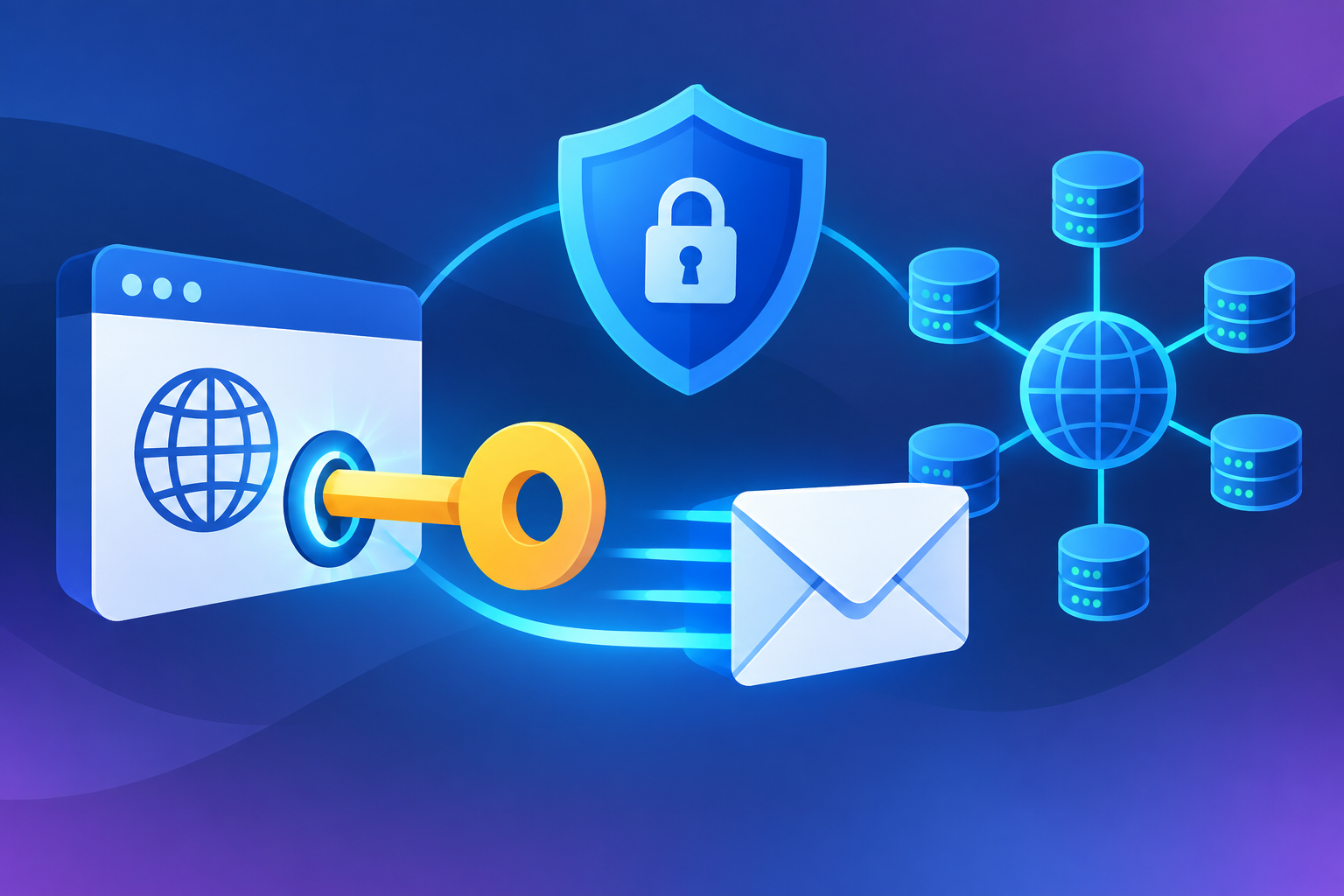
A verified-domain email API: send from your own domain
A verified-domain email API is an HTTP sending API that will not accept a from address until you have proved you control the domain. With Rovela, that proof is the DNS records the dashboard shows you. A send from an unverified domain is refused with 400, not accepted and then quietly dropped (Quick Start).
This is the product query “send email from my domain via API,” not a textbook on SPF/DKIM/DMARC. For the authentication primitives see How Email Authentication Works, DKIM Setup for Transactional Email, and the domain setup guide. For “what is a domain email?” see What Is an Email Domain? and How to Set Up a Domain Email Address.
Start from the Email API product page, the Quick Start, the Send Email API, and Authentication. Also Domains API and Domains manual.
Related product guides in this series:
- Transactional Email API
- HTTP Email API
- Migrate SMTP to an Email API
- Email API for SaaS Apps
- Send Email with curl
- Transactional Email API + Hosted Mailboxes
- Inbound and Outbound Email API
- Email Sending API
- Email Notification API
- Email API Integration
- Batch Transactional Email API
- Transactional Email Webhooks
- A Simple Transactional Email API
- Send Transactional Email from Your App
Why the API insists on verification
Transactional mail from no-reply@yourproduct.com only works if receivers can check that the message is aligned with that domain. Rovela DKIM-signs every outgoing message with your domain key and SPF-aligns it (Email API, Transactional email). Until the records resolve and you click Verify, there is no honest way to do that, so the API fails the request up front.
Quick Start lists four records with different jobs:
- SPF — which servers may send for the domain
- DKIM — signs the message so a recipient can tell it was not altered
- DMARC — what receivers should do when the first two fail
- Return-path — so Rovela can receive bounces for you
DNS takes time to propagate. A failure immediately after publishing usually means “not yet,” not “wrong” — re-check after a few minutes before changing records (Quick Start).
Custom return path for SPF alignment is included on Pro and Enterprise, not on the free plan, per pricing. Follow the dashboard and the domains guide for the records your plan and domain actually show.
From domain verification to the first API send
- Add the domain under Domains (dashboard) or via the Domains API with a
full_accesskey or session. - Publish the records exactly as shown. The guide and manual walk through verification and DKIM rotation.
- Click Verify (or the equivalent API call) once they resolve.
- Create a
sending_accessAPI key. A key can also be restricted to a single domain — useful when you send on behalf of several customers from one organization, so a leaked key cannot send as anybody else (Authentication). - Call
POST /emailswithfromon that domain:
curl -X POST https://api.rovela.dev/emails \
  -H "Authorization: Bearer re_your_sending_key" \
  -H "Content-Type: application/json" \
  -H "Idempotency-Key: verify-signup-8f3a2c" \
  -d '{
    "from": "Acme <no-reply@yourdomain.com>",
    "to": "alice@example.com",
    "subject": "Your Acme code: 482913",
    "html": "<p>Your verification code is</p><p style=\"font-size:28px;letter-spacing:6px\"><b>482913</b></p><p>It expires in 10 minutes.</p>",
    "text": "Your verification code is 482913. It expires in 10 minutes."
  }'
If the domain is wrong or not in your organization, you get a 400 that names the domain. That is the verified-domain email API in practice: the HTTP call is simple, and the domain is the gate.
Mailbox SMTP and webmail on the same domain are a separate surface after the domain exists (Transactional Email API + Hosted Mailboxes). Inbound MX is another, optional change (Inbound and Outbound Email API).
Operating the domain after it is verified
- Subdomains. Many teams send transactional mail from
mail.example.comoralerts.example.comto isolate reputation (Sending Subdomain Setup if you follow that existing guide). Verify the subdomain you actually put infrom. - Key scope. Production senders should stay on domain-restricted
sending_accesswhenever one org has several brands. - Rotation. DKIM rotation is a dashboard/manual operation; API key rotation is create-then-revoke.
- Webhooks.
domain.created,domain.updated, anddomain.deletedexist in the event catalog. After delete, sending from that domain is refused (Events). - Tracking. Open and click events only fire when tracking is enabled for the sending domain.
Do not invent additional records or dedicated IPs here. Use the records Rovela shows, and the features listed on pricing.
FAQ
Can I send from Gmail or a public mailbox provider via the API? Not as from. The address must be on a domain you verified in Rovela.
We already have SPF for Google Workspace. You still publish the Rovela records the dashboard generates for the sending domain (or a dedicated sending subdomain). Do not guess a combined record — follow the domains guide so you do not break existing mail.
Does verification expire? Operate from the dashboard status and re-verify if DNS was changed or dropped. The quickstart’s advice is to re-check propagation before rewriting records.
Is verifying a domain the same as creating a mailbox? No. Verification unlocks sending (and is a prerequisite for inbound). A mailbox is a hosted inbox you add separately.
Verify first, then POST
The email API will not pretend an unverified from is fine. Add the domain, publish the records, verify, and send with a key that cannot wander onto someone else’s domain. That is what a verified-domain email API is for.