How Email Authentication Works: SPF, DKIM, and DMARC
SPF checks the sending IP against a DNS allowlist. DKIM attaches a cryptographic signature that survives forwarding. DMARC ties both together with an alignment check and a policy. Explains how the three interact, how to read Authentication-Results headers, and the right deployment order.
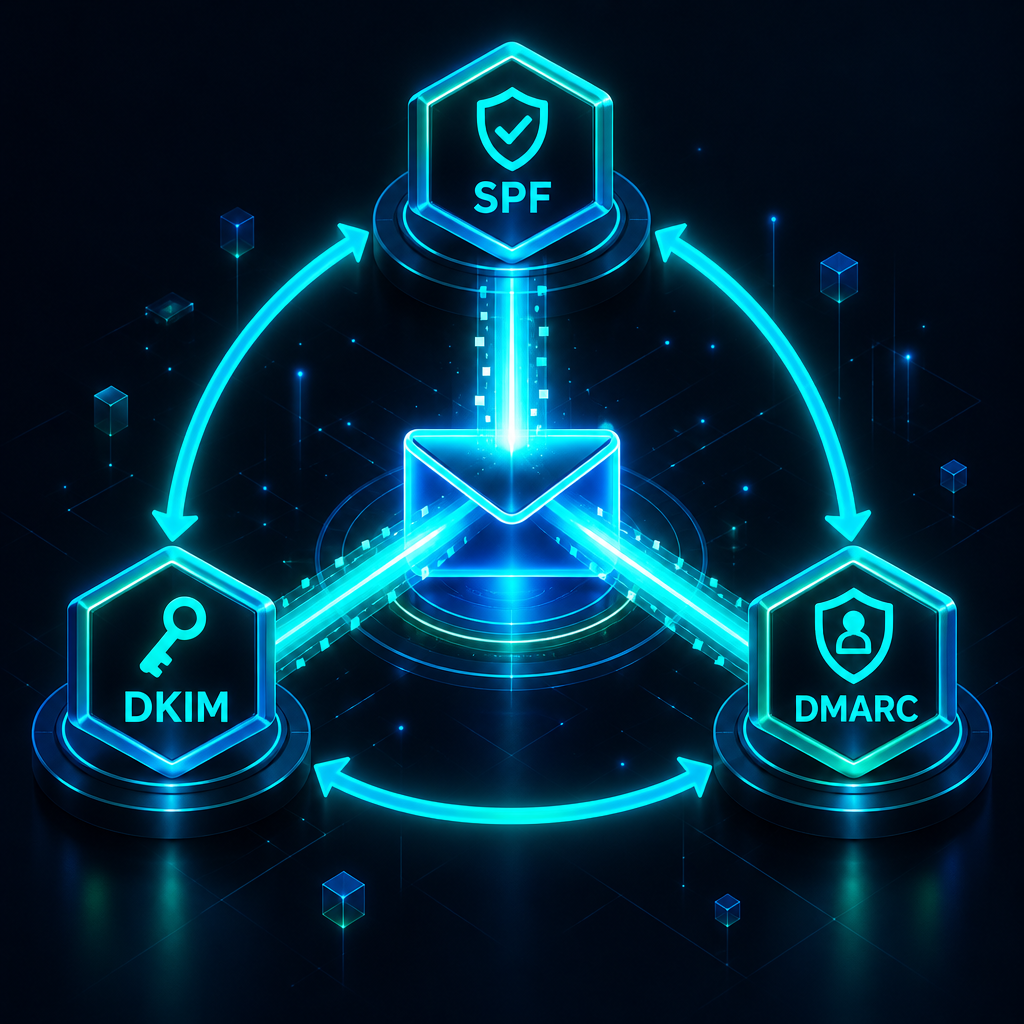
Three DNS records — SPF, DKIM, and DMARC — work together to tell the world that mail from your domain is really from you. Understanding what each one does and how they interact makes it much easier to diagnose deliverability problems.
The problem they solve
Email's original design has no built-in way to verify the sender. Anyone can put any address in the From header. SPF, DKIM, and DMARC are DNS-based extensions that add verification without changing the email protocol itself.
SPF: which servers are allowed to send for you
SPF (Sender Policy Framework) is a TXT record in your DNS that lists the IP addresses and hostnames authorized to send mail from your domain.
yourdomain.com. TXT "v=spf1 include:_spf.rovela.dev ~all"
When a receiving server gets a message claiming to be from @yourdomain.com, it looks up this record and checks whether the sending IP is on the list. ~all means "softfail everything else" — treat it as suspicious but don't outright reject. -all means "hard reject everything else."
What SPF checks: the envelope sender — the MAIL FROM address used in the SMTP session, which is often different from the From header the recipient sees.
SPF's limitation: SPF breaks when mail is forwarded. A forwarder at relay.example.com resends your message from its own IP, which is not in your SPF record, so SPF fails.
DKIM: a cryptographic signature on every message
DKIM (DomainKeys Identified Mail) attaches a cryptographic signature to each outgoing message. The signature covers key headers and the message body. The public key is published in DNS under a selector subdomain.
rovela._domainkey.yourdomain.com. TXT "v=DKIM1; k=rsa; p=MIIBIjAN..."
When the receiving server gets a signed message, it fetches the public key from DNS and verifies the signature. If the message was altered in transit — even a single character changed — the signature fails.
What DKIM survives: forwarding. The signature travels with the message headers regardless of which server relays it.
What DKIM doesn't do: it doesn't verify the From header directly — it verifies the d= domain in the DKIM signature. DMARC is what ties the two together.
DMARC: alignment and policy
DMARC (Domain-based Message Authentication, Reporting and Conformance) answers two questions: does the authenticated domain match what's in the From header, and what should the receiving server do if it doesn't?
_dmarc.yourdomain.com. TXT "v=DMARC1; p=reject; rua=mailto:dmarc@yourdomain.com"
A message passes DMARC if at least one of these is true:
- The SPF-authenticated domain aligns with the
Fromheader domain. - The DKIM-signing domain aligns with the
Fromheader domain.
"Aligns" under relaxed mode means the domains share the same organizational domain. mail.yourdomain.com aligns with yourdomain.com. Under strict mode, they must match exactly.
The p= tag sets the policy: none (monitor), quarantine (spam folder), or reject (drop the message).
How they interact
A message arriving at a receiving server goes through this sequence:
- SPF check — does the sending IP match the domain in
MAIL FROM? - DKIM check — does the signature verify, and does the
d=domain match a key in DNS? - DMARC check — does at least one authenticated domain align with the
Fromheader? If yes, DMARC passes regardless of which check provided it. If no, apply thep=policy.
The checks are independent but DMARC consumes their results. A message can fail SPF (because it was forwarded), pass DKIM (because the signature survived forwarding), and pass DMARC (because the DKIM domain aligns with From).
Reading an Authentication-Results header
Every receiving server adds this header to incoming mail. It is the fastest way to diagnose a deliverability problem:
Authentication-Results: mx.google.com;
  dkim=pass header.d=yourdomain.com;
  spf=pass smtp.mailfrom=yourdomain.com;
  dmarc=pass (p=REJECT) header.from=yourdomain.com
If dmarc=fail, check whether both spf and dkim show fail. If one passes, the alignment check failed — the authenticated domain doesn't match the From header.
Quick deployment order
- Add SPF first — it's one record and takes effect immediately.
- Add DKIM — Rovela generates the key pair; you publish the public key in DNS.
- Add DMARC at
p=nonewithrua=pointing to your inbox. - Read the reports for two weeks.
- Advance to
p=quarantine, thenp=reject.
Further reading: DMARC record setup, Why is my email going to spam?, One-click DNS setup.