Email API Integration (2026): Adding Rovela to Your Application
Architecture for a Rovela email API integration: server-only sending_access, a single send wrapper, Idempotency-Key design, retries, and a verified webhook handler.
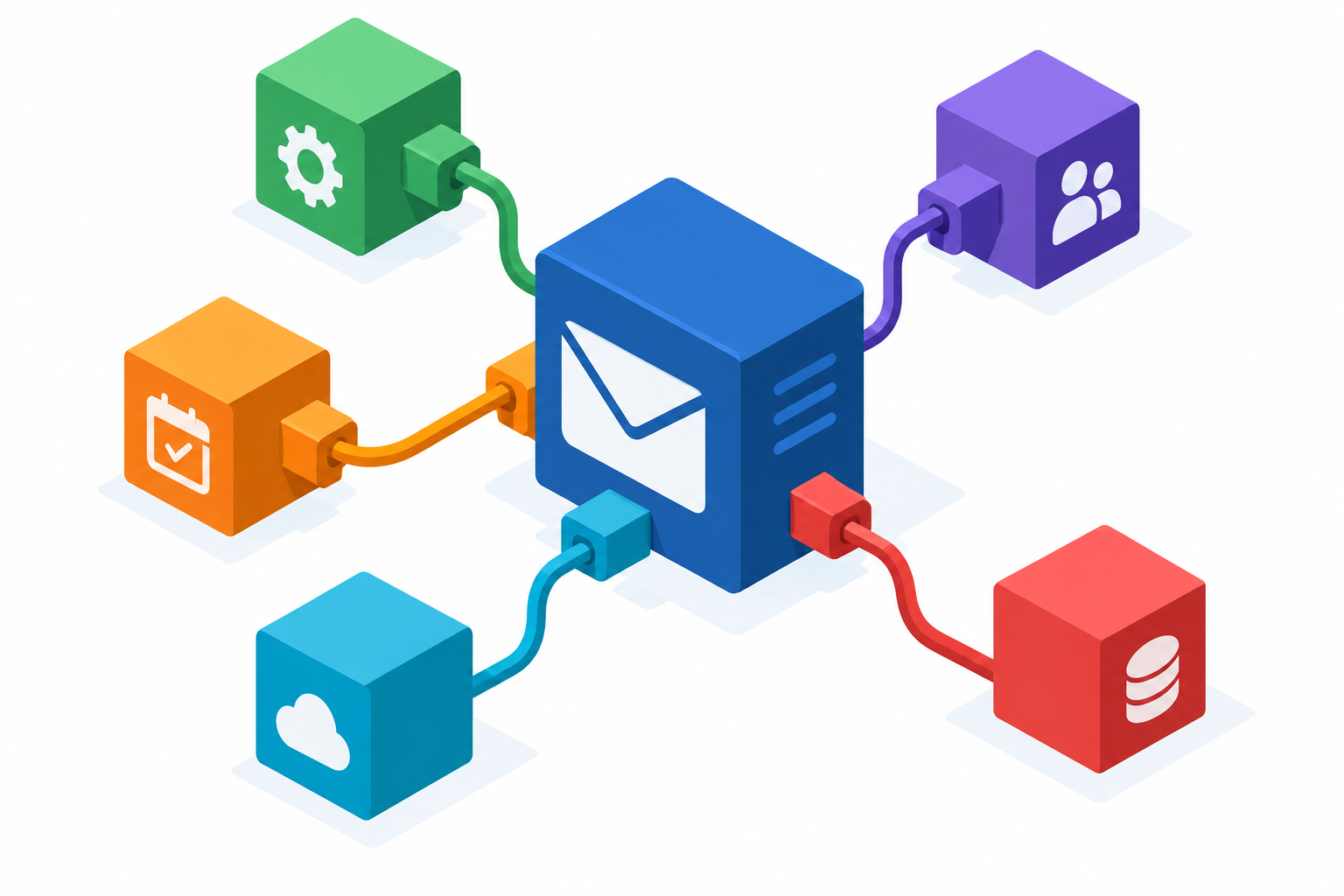
Integrating an email API into your application
An email API integration is the work of making Rovela a boring dependency: one module your handlers call, secrets that never leave the server, retries that cannot double-send, and a webhook endpoint that tells you what happened after the queue. It is not “how to send in Node” (that is How to Send Email in Node.js) and not “how to send from a signup hook” (that is Send Transactional Email from Your App). This is the architecture those posts sit on.
Start from the Email API product page, the Quick Start, the Send Email API, and Authentication. Also Webhooks overview and Webhook security.
Related product guides in this series:
- Transactional Email API
- HTTP Email API
- Migrate SMTP to an Email API
- Email API for SaaS Apps
- Send Email with curl
- Transactional Email API + Hosted Mailboxes
- Inbound and Outbound Email API
- Email Sending API
- Email Notification API
- Batch Transactional Email API
- Transactional Email Webhooks
- A Simple Transactional Email API
- Send Transactional Email from Your App
- Verified Domain Email API
The pieces, and who owns them
| Piece | Owner |
|---|---|
| Verified sending domain, DNS | You + Rovela dashboard / Domains guide |
ROVELA_API_KEY (sending_access), MAIL_FROM | Server env / secret store |
sendTransactional(…) wrapper | Your backend |
Idempotency-Key per logical action | The caller of the wrapper |
| Queue / HTTP retries | Your platform |
| Delivery, DKIM, bounces | Rovela |
| Webhook signature check + event handler | A server route with the signing secret (and full_access only if you read messages) |
Rovela does not host your application, workers, or cron. You call POST /emails; it queues and delivers.
1. Domain and keys before code
Verify the domain you will send from. Create a sending_access key for the app and store it only in the environment that runs the wrapper. Optionally restrict the key to that one domain (Authentication, Verified Domain Email API). Create a second, tighter process (or use the dashboard) with full_access when you need to register webhooks or inspect a message. Rotate by create-then-revoke. Never put a key in a SPA, mobile app, or public repo.
2. A single wrapper
All product code should go through one function so headers and error handling stay consistent:
const res = await fetch("https://api.rovela.dev/emails", {
  method: "POST",
  headers: {
    Authorization: "Bearer " + process.env.ROVELA_API_KEY,
    "Content-Type": "application/json",
    "Idempotency-Key": `signup-verify:${userId}:${codeId}`,
  },
  body: JSON.stringify({
    from: process.env.MAIL_FROM, // e.g. "Acme <no-reply@yourdomain.com>"
    to: user.email,
    subject: `Your Acme code: ${code}`,
    html: `<p>Your verification code is <b>${code}</b>. It expires in 10 minutes.</p>`,
    text: `Your verification code is ${code}. It expires in 10 minutes.`,
    tags: { kind: "signup-otp", userId },
  }),
});
if (!res.ok) {
  const err = await res.json();
  throw new Error(`Rovela ${res.status}: ${err.message}`);
}
const { id } = await res.json(); // accepted and queued — not yet delivered
A Python variant with the same headers is equally valid (urllib / httpx). The wrapper should:
- Read
ROVELA_API_KEYandMAIL_FROMfrom the environment. - Require the caller to pass an
idempotencyKey(fail loudly if it is missing on user-triggered mail). - Send both
htmlandtext(or atemplateid + variables). - Throw on non-2xx and include the API
message(the documented error shape is{ statusCode, name, message }). - Treat
200as “queued,” returning the id for logs — not as “delivered.”
See Idempotency Keys for Email APIs for key design (signup-otp:${userId}:${codeId}, not Date.now()).
3. Retries and rate limits
If your HTTP client or queue retries, the same Idempotency-Key must come with the retry. On 429, back off; honour Retry-After when present. Each message in a batch counts toward the rate limit individually (Send Email API). Do not catch a timeout, generate a new key, and send again.
4. The webhook side of the integration
Register an HTTPS endpoint (not a private or loopback host) with the events you handle — typically email.bounced, email.complained, and maybe email.failed. An empty events array subscribes to everything, including types added later, which is usually wrong in production (Overview).
Verify x-resend-signature as documented (t=<unix>,v1=<hex> HMAC-SHA256 over "<timestamp>.<raw body>"). Deduplicate on event id. Return 2xx once you have taken custody; only 5xx, 408, and 429 are retried, up to five attempts. Details: Verifying Webhook Signatures, Transactional Email Webhooks.
5. Config and environments
Use a verified domain and real keys in every environment; Rovela has no separate sandbox mode or test key that behaves differently (Quick Start). In development, send to a catch-all you control, or rely on idempotency keys so repeated local runs do not flood a real user. Keep staging keys and domains separate from production so a load test cannot mail customers.
FAQ
Should the wrapper live in a separate microservice? Only if many apps must share it. Inside one product, a module is enough and easier to keep sending_access scoped.
Where do templates belong? Stored templates are managed with full_access or the dashboard and sent by id from the wrapper (Email Templates API Guide). Batch cannot take template — render first, or send templated mail one-by-one.
Can an edge function hold the key? Yes, if it is a server runtime with secrets, not a browser bundle. Cloudflare Workers and similar already have a dedicated sending post on the blog; the key rule does not change.
What is out of scope for this integration? Mailbox provisioning, IMAP, and webmail (Transactional Email API + Hosted Mailboxes), and inbound parsing (Inbound and Outbound Email API) — add them as separate modules when the product needs them.
Make sending a dependency, not a side quest
One wrapper, a send-only key, mandatory idempotency keys, and a verified webhook handler. That is an email API integration you can operate — then every product event in Send Transactional Email from Your App is a one-line call.