Email Templates API Guide (2026): Create, Publish, and Send with Variables
Developer guide to Rovela Templates API: create, list, get, patch, publish, duplicate, delete; {{variables}} rules (no auto-escape, missing keys stay literal); send with template vs html/text; not on batch; full_access vs sending_access—from live docs.
What this guide covers
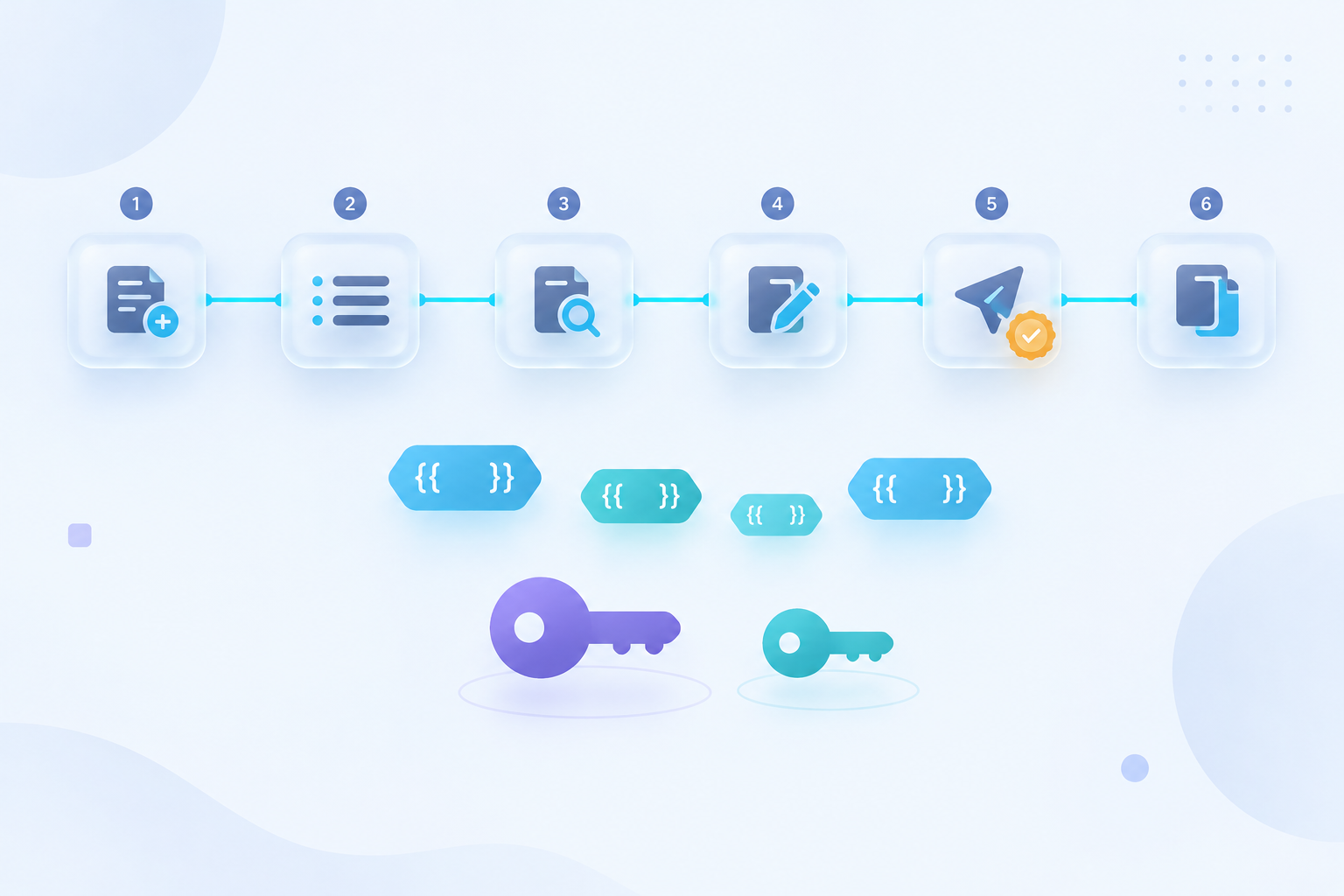
Rovela templates move HTML and plain-text bodies out of your deploy path: you create a named template once, then send with a template id and a variables map. This post is the developer API lifecycle—create, list, get, patch, publish, duplicate, delete, and send—aligned with the live Templates API and Email templates guide.
It is not Welcome Email from a Template (signup walkthrough with Idempotency-Key). It is not HTML Email Template Development (tables, inline CSS, client quirks). It is also not Welcome Email Best Practices (subject lines, CTA copy, onboarding UX). Sibling posts: Send an invoice with a PDF attachment, Next.js magic link.
Keys: full_access vs sending_access
Template management—POST /templates, GET, PATCH, POST …/publish, POST …/duplicate, DELETE—needs a full_access API key or a dashboard session. A sending_access key gets 403 on those routes (Templates API, Authentication).
Sending mail with template: { id, variables } on POST /emails needs only sending_access. Keep management keys off production workers; never ship either key in a browser bundle.
Prerequisites
- A verified sending domain (Quick Start).
- A
full_accesskey for the management curls below. - A
sending_accesskey asROVELA_API_KEYfor production sends. - Somewhere to store template UUIDs (env vars or your own config store).
Create a template
POST /templates requires name, subject, and at least one of html or text. Send both bodies when you can: HTML for most clients, plain text for text-only clients, some accessibility setups, and spam filters (Email templates guide).
curl -X POST https://api.rovela.dev/templates \
  -H "Authorization: Bearer re_your_full_access_key" \
  -H "Content-Type: application/json" \
  -d '{
    "name": "Order receipt",
    "subject": "Your order {{order_id}} is confirmed",
    "html": "<h1>Thanks, {{name}}</h1><p>Order <strong>{{order_id}}</strong> is confirmed.</p>",
    "text": "Thanks, {{name}}. Order {{order_id}} is confirmed."
  }'
Keep the returned id (UUID). That is what every later send and management call uses.
Variable rules ({{name}})
Placeholders are written {{name}}—two braces, the key, two braces—and are replaced from the variables object at send time (Templates API).
- Exact keys.
{{UserName}}and{{userName}}are different variables. - No auto-escape. Values are inserted as-is. Escape anything a user typed before it goes into
variables, or a display name like<img src=x>becomes markup in the message. - Missing keys stay literal. A key you do not pass is left in the output as
{{name}}, not blanked. That is deliberate so a delivered email shows the bug instead of"Thanks, .". - No conditionals or loops. There is no template language beyond substitution. For logic, render HTML in your app and send
htmlinstead oftemplate.
List and get
# List — collect ids for sends and dashboards
curl https://api.rovela.dev/templates \
  -H "Authorization: Bearer re_your_full_access_key"

# One template — body, subject, and metadata
curl https://api.rovela.dev/templates/<template_uuid> \
  -H "Authorization: Bearer re_your_full_access_key"
Patch (edit fields)
PATCH /templates/:id updates name, subject, html, or text. Omit a field to leave it unchanged.
curl -X PATCH https://api.rovela.dev/templates/<template_uuid> \
  -H "Authorization: Bearer re_your_full_access_key" \
  -H "Content-Type: application/json" \
  -d '{
    "subject": "Receipt for order {{order_id}}",
    "html": "<h1>Thanks, {{name}}</h1><p>Order {{order_id}} is confirmed. Total: {{total}}.</p>"
  }'
Editing a live template
An edit changes what the next send renders. Messages already sent keep their rendered content. Scheduled sends that have not fired yet pick up the new body. If that is a risk, duplicate first, edit the copy, then point production at the new id (Templates API, Email templates guide).
Publish
Templates have a published state. Publishing is a separate, idempotent call—publishing an already-published template leaves the original timestamp alone, so it records when the template first went live.
curl -X POST https://api.rovela.dev/templates/<template_uuid>/publish \
  -H "Authorization: Bearer re_your_full_access_key"
Duplicate
Use duplicate when you want a variant without editing the template production is already sending.
curl -X POST https://api.rovela.dev/templates/<template_uuid>/duplicate \
  -H "Authorization: Bearer re_your_full_access_key"
Edit the copy, publish if your workflow requires it, then switch the send path to the new id.
Delete
curl -X DELETE https://api.rovela.dev/templates/<template_uuid> \
  -H "Authorization: Bearer re_your_full_access_key"
Messages already sent keep their rendered content. A later send that still references the deleted id fails.
Send with a template
template is mutually exclusive with html and text. The subject comes from the template, rendered with the same variables; a subject on the send is ignored. Put per-recipient subject text in the template as a variable (Templates API).
curl -X POST https://api.rovela.dev/emails \
  -H "Authorization: Bearer re_your_api_key" \
  -H "Content-Type: application/json" \
  -d '{
    "from": "Acme <hello@yourdomain.com>",
    "to": "alice@example.com",
    "template": {
      "id": "<template_uuid>",
      "variables": {"name": "Alice", "order_id": "A-10422", "total": "$42.00"}
    }
  }'
Templates are not allowed on batch
POST /emails/batch rejects template outright rather than ignoring it. A batch entry that silently lost its body would send an empty message. For bulk personalization, either send one POST /emails per recipient with template, or render bodies yourself and pass html / text on each batch entry (Templates API).
Recommended workflow
- Create with
full_access(POST /templates), including bothhtmlandtext. - Send a test to yourself with
sending_accessbefore wiring production (Email templates guide). - Publish when your process tracks a go-live timestamp.
- For copy changes on a live template: duplicate → edit → test → switch id instead of patching the production id mid-schedule.
- Keep
full_accessoff hot paths; production workers usesending_accessonly.
When not to use a template
Skip templates for one-off mail, or bodies assembled from data that only exists at send time with branching logic. Render those yourself and pass html (Email templates guide).
Further reading
- Templates API — endpoints and variable rules
- Email templates — when to extract a template, testing tips
- Send emails —
POST /emailsfields - Welcome email from a template — signup-shaped walkthrough
- Authentication — key scopes