Courier.app Alternative (2026): Transactional HTTP Email API + Domain Mailboxes
Comparing Courier’s multi-channel notification orchestration (BYO providers, preferences, journeys) with Rovela’s flat POST /emails, Idempotency-Key, inbound, and domain mailboxes—when to dual-run.
Why people search for a Courier.app alternative
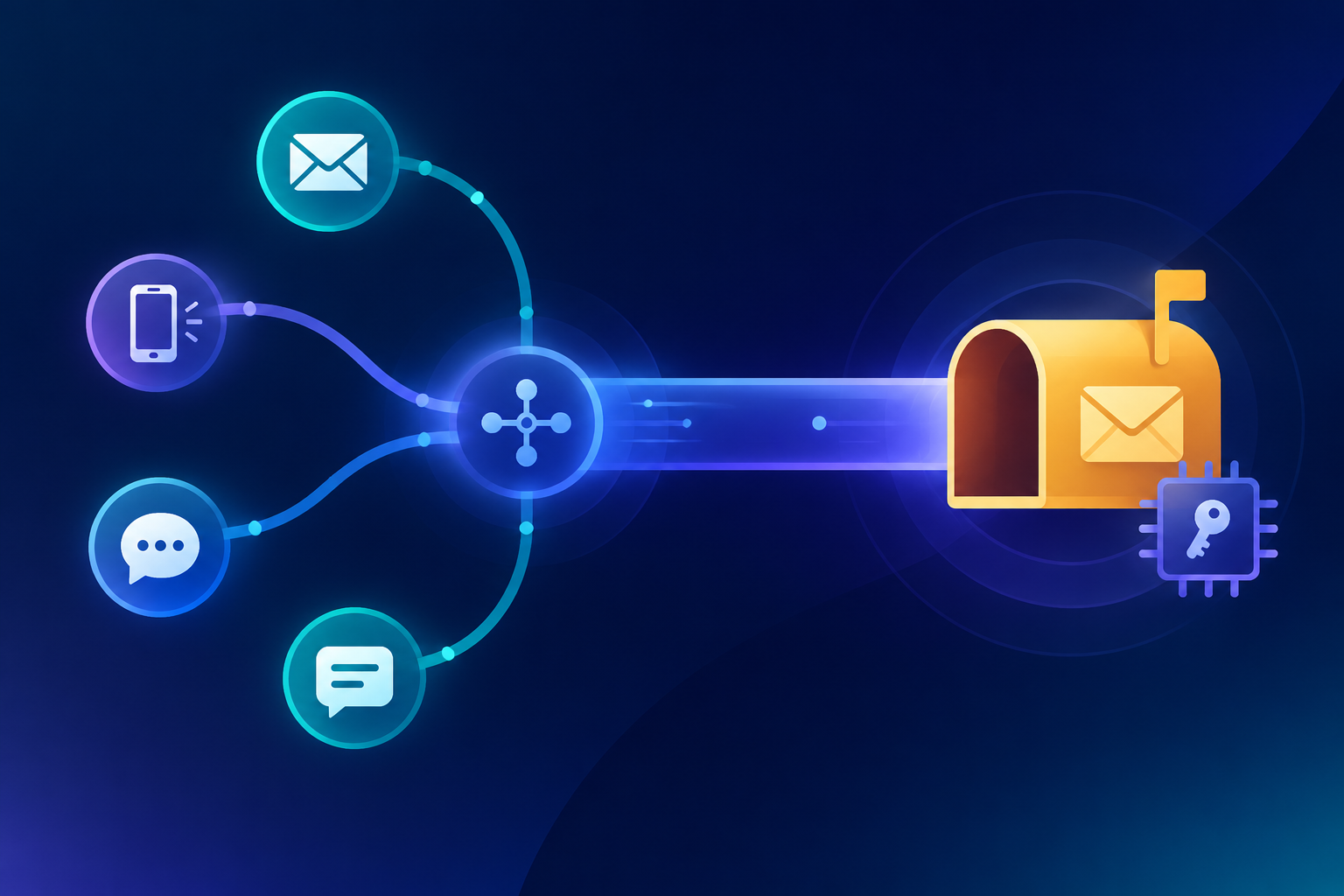
Courier is a customer messaging / notification orchestration platform: one API and Design Studio for email, SMS, push, chat (Slack, Microsoft Teams, WhatsApp), and in-app inbox, plus journeys, user preferences, tenants, and delivery logs. Their docs are explicit that you bring your own delivery providers—SendGrid, Postmark, Amazon SES, Twilio, FCM, APNs, and others—while Courier handles routing, failover, templates, and preference enforcement (Courier docs overview, integrations).
“Courier alternative” / “Courier.app alternative” in 2026 is usually one of these developer intents—not a claim that Courier fails at multi-channel notifications:
- You want a plain HTTP email send (
POST /emailswithfrom/to/subject/htmlortext) that any language, queue worker, or AI agent can call—without modeling every OTP or receipt as a notification template + user profile + routing method inside an orchestration layer. - Your product is email-only (or email-first) for transactional traffic, and sitting an orchestration platform above a separate ESP adds cost and moving parts you do not need yet.
- Pricing that is send- and mailbox-shaped (emails per month + domains + mailboxes) fits better than per-notification orchestration pricing when most volume is auth codes, password resets, and receipts your app already owns.
- You need business mailboxes humans open (
hello@,support@) with webmail/IMAP on the same org that sends API mail—not only outbound notification routes into people’s inboxes. - You need inbound replies and signed delivery webhooks beside a thin send API.
- You are dual-running: keep Courier for SMS / push / in-app / preference-aware multi-channel routing; move high-frequency email-only transactional traffic to a smaller HTTP email stack (or use a dedicated email API as the email leg while Courier keeps other channels).
Rovela does not clone Courier’s multi-channel routing, preference center, in-app inbox, journeys, or BYO-provider abstraction. It targets the developer transactional email + domain mailbox side of that search. This article stays docs-backed: when Courier is still right, what Rovela actually ships, and how to migrate the live email POST path without inventing SMS/push parity.
Peers in other keyword classes (do not confuse the hooks): Customer.io alternative, Loops.so alternative, Resend alternative (mailboxes + inbound), SendGrid alternative (simple HTTP), Postmark alternative (permanent free + mailboxes), Mailgun alternative, Brevo alternative, Mailtrap alternative (sandbox vs production), Amazon SES alternative, SparkPost alternative. Here the primary keyword stays Courier / Courier.app.
When Courier is still the right tool
Stay—or dual-run—if:
- You need one notification API that routes across email, SMS, push, chat, and in-app, with preferences enforced at send time (Courier’s stated model on courier.com and docs).
- Non-engineers own notification copy and channel routing in Design Studio / journeys more than they own a
curlsnippet. - You already connect multiple providers and want failover / channel fallback (
routing.methodsingle vs all) without rewriting app code (product notifications API). - An in-app inbox, preference center components, or multi-tenant branding/routing is a hard product requirement.
- You specifically want orchestration on top of ESPs you already pay for—Courier bills separately per send while you keep provider accounts (docs FAQ).
Rovela is the wrong “replacement” if what you need is Courier’s multi-channel orchestration layer. Prefer Rovela when the pain is email infrastructure: verified-domain POST /emails, Idempotency-Key, inbound, and domain mailboxes—with a permanent Free tier for side projects and agents (Pricing).
What a notification orchestrator leaves open for app-owned email
Templates + routing + BYO ESP vs a flat email body
Courier’s strength is orchestration: design once, send anywhere; you post a notification (often a template id / alias + data + routing), and Courier renders and delivers through the providers you connected. Email is one channel among many; production email typically still depends on an ESP account under Courier (integrations).
App-owned OTP, password-reset links, and agent tools often want the opposite shape for email: generate the secret in your database, then fire a flat JSON body to an email API—no user profile sync, no channel list, no second vendor between your worker and the mailbox. Rovela’s send path is one call—POST https://api.rovela.dev/emails—with Bearer auth (Quick Start, API: emails, HTTP email API). Optional Rovela templates exist when you do want template: { id, variables }, but they are not required to send.
Rovela does not claim SMS, mobile push, Slack/Teams delivery, or an in-app notification center. If those channels are required, keep Courier (or another orchestrator) for them.
Orchestration pricing vs send + mailbox ceilings
Courier packages around notifications sent across channels (see their Developer / Business / Enterprise plans on Courier pricing—quote numbers only from that page). Rovela prices by emails per month, domains, mailboxes, and storage—Free is 100 emails / month, 1 domain, 5 mailboxes, 1 GiB, no card; Pro starts at $29/month with higher ceilings (Pricing). Re-read both pricing pages before you architecture around a figure. Remember: Courier + an ESP often means two bills for the email channel; Rovela is the email delivery product itself.
Preference / journey UI vs keys an agent can hold
Orchestration platforms optimize for dashboards, Design Studio, journeys, and preference centers. Agent and worker stacks that only need email often want a sending_access key that can only send, never rewrite domains or templates (Authentication). Never put sending_access (or any API key) in a browser bundle—call Rovela from your server.
Human mailboxes and inbound beside send
Courier focuses on outbound (and in-app) product notifications through connected providers. Teams that also need support@yourdomain.com in webmail/IMAP, plus inbound parsed to webhooks, get that on Rovela in the same organization (webmail, SMTP, Receiving email). Free includes five mailboxes; paid plans raise counts and storage (Pricing).
Idempotency when workers retry
Rovela accepts an Idempotency-Key header (up to 256 characters); a retry within 24 hours returns the original response instead of sending again (API: emails). That matters for queue-driven OTP and receipts—two disagreeing codes from a double POST are a support incident.
Docs-backed map: send, auth, mailboxes, inbound
1. One send: POST /emails
curl -X POST https://api.rovela.dev/emails \
  -H "Authorization: Bearer re_your_sending_key" \
  -H "Content-Type: application/json" \
  -H "Idempotency-Key: courier-migrate-receipt-order_10422" \
  -d '{
    "from": "Acme <no-reply@yourdomain.com>",
    "to": "alice@example.com",
    "subject": "Your Acme receipt",
    "html": "<p>Thanks. Order <b>A-10422</b> is confirmed.</p>",
    "text": "Thanks. Order A-10422 is confirmed."
  }'
- Response: queued message id (
{"object":"email","id":"..."}). A200means accepted for delivery, not “already in the inbox.” - Optional template path:
template: { id, variables }instead ofhtml/text(Templates guide, Templates API). Template management needsfull_access(or the dashboard); production senders should usesending_access. - Batch:
POST /emails/batchup to 100 messages;templateis rejected on batch—send templated mail one-by-one (API: emails).
2. Domain verification
Add the domain, publish SPF/DKIM/DMARC (and return-path as shown), then verify (Quick Start, Domains). Unverified from domains get a 400, not a silent drop.
3. Delivery webhooks
Subscribe to delivered/bounced/complained (and related) events; verify signatures; dedupe on event id (Webhooks, Security). Prefer webhooks over polling. Reading message state needs full_access or a dashboard session; sending_access can only send.
4. Business mailboxes
Webmail at rovela.email; SMTP host mx.rovela.dev, port 465, username = full address, per-device password (SMTP, webmail manual).
5. Inbound
Enable inbound on a verified domain (full_access), publish MX, subscribe to email.received (Receiving email). Patterns: Inbound email API webhooks.
Migration checklist (Courier-flavored)
- Keep Courier for multi-channel product notifications, preferences, in-app inbox, and journeys if that is where product messaging lives—do not force SMS/push/chat through an email-only API.
- Create a Rovela org on Free while you prove live email delivery (signup)—permanent free tier, no card (Pricing).
- Verify the production sending domain (DKIM / SPF / DMARC / return-path as shown).
- Create a
sending_accesskey for app servers and agents; keepfull_accessfor domain, template, and inbound admin (Authentication). - Split traffic by intent: multi-channel / preference-aware notifications → Courier; email-only OTP / reset / receipt workers →
POST https://api.rovela.dev/emails. - Add
Idempotency-Keyon every retried transactional email (otp-{userId}-{purpose},reset-{tokenHashPrefix},receipt-{orderId}). - Point bounce/complaint webhooks at your handlers; verify signatures before cutting email traffic.
- Optional: create mailboxes and enable inbound after outbound looks clean.
- Optional: move repeated HTML into a Rovela template with
full_accessonce, then send by id—similar idea to a Courier notification template id, different product (welcome from template). - Do not assume Rovela is a drop-in Courier provider integration unless you verify that path yourself against Courier’s current integration list and Rovela’s SMTP/API docs—this post does not invent a first-party Courier↔Rovela connector.
Most teams that search this keyword keep Courier for orchestration and only move (or start) the email-only hot path on a transactional email API. That split is normal—not a failure of either product.
Pricing without invented numbers
| Need | Rovela Free (docs) | Notes |
|---|---|---|
| Monthly sends | 100 emails | Per Pricing |
| Mailboxes | 5 | Same free plan |
| Storage | 1 GiB | Same free plan |
| Card | Not required | Permanent free tier |
| API / webhooks / inbound / templates | Included | Upgrades raise limits |
Paid Rovela plans (Pro from the pricing page, Enterprise custom) raise email, domain, mailbox, and storage ceilings. Courier packaging (Developer free send window, Business per-send rate, Enterprise) should be quoted only from courier.com/pricing—do not invent their numbers here beyond what you verified on that page when comparing. Also budget for the underlying ESP if you stay on Courier for email.
Rovela’s pricing table also lists broadcasts, contacts, and segments as included API capabilities with plan limits; that is not the same product surface as Courier journeys, preferences, or multi-channel routing. Do not market Rovela as a Courier clone.
What this post is not
- Not a claim that Courier is “bad at email”—their model is intentional orchestration above providers, including email ESPs.
- Not a claim that Rovela replaces Courier SMS, push, chat, in-app inbox, preferences, journeys, tenants, or BYO-provider failover. Those are out of scope unless documented as Rovela features—and multi-channel orchestration is not how Rovela positions itself.
- Not a Customer.io / Loops / Resend / SendGrid / Postmark / Mailgun / Brevo / SES / Mailtrap / SparkPost rewrite; those live at the sibling posts linked above. Not a Knock comparison either (separate keyword).
- Not invented MCP tools, China-domestic ESP topics, or undocumented endpoints. There is no
/alternatives/couriermarketing page to clone as of this writing. - Not a password-reset or OTP product feature from Rovela: your app still owns tokens/codes; Rovela delivers the message (password reset example, verification codes).
Next steps
- Keep multi-channel notifications on Courier if that orchestration model still fits.
- Send one live transactional email via Quick Start + POST /emails.
- If humans need inboxes, add a mailbox and open webmail.
- If replies or
support@matter, enable inbound. - For auth mail patterns, see code vs link, secure password reset, and OTP / magic-link spam.
Bottom line: a Courier.app alternative search often means you still want Courier for multi-channel notification orchestration—but app-owned email needs a flat idempotent POST /emails, send-priced Free/Pro tiers, and mailboxes your team can open. Rovela is built for that email infrastructure slice. Keep the orchestrator where channels multiply; migrate the email-only hot path with the docs above.