Mailtrap Alternative (2026): Beyond Email Sandbox to Production Send + Mailboxes
Comparing Mailtrap’s QA email sandbox (capture, no real delivery) with Rovela’s production POST /emails, Idempotency-Key, inbound, and domain mailboxes—when to dual-run staging vs live.
Why people search for a Mailtrap alternative
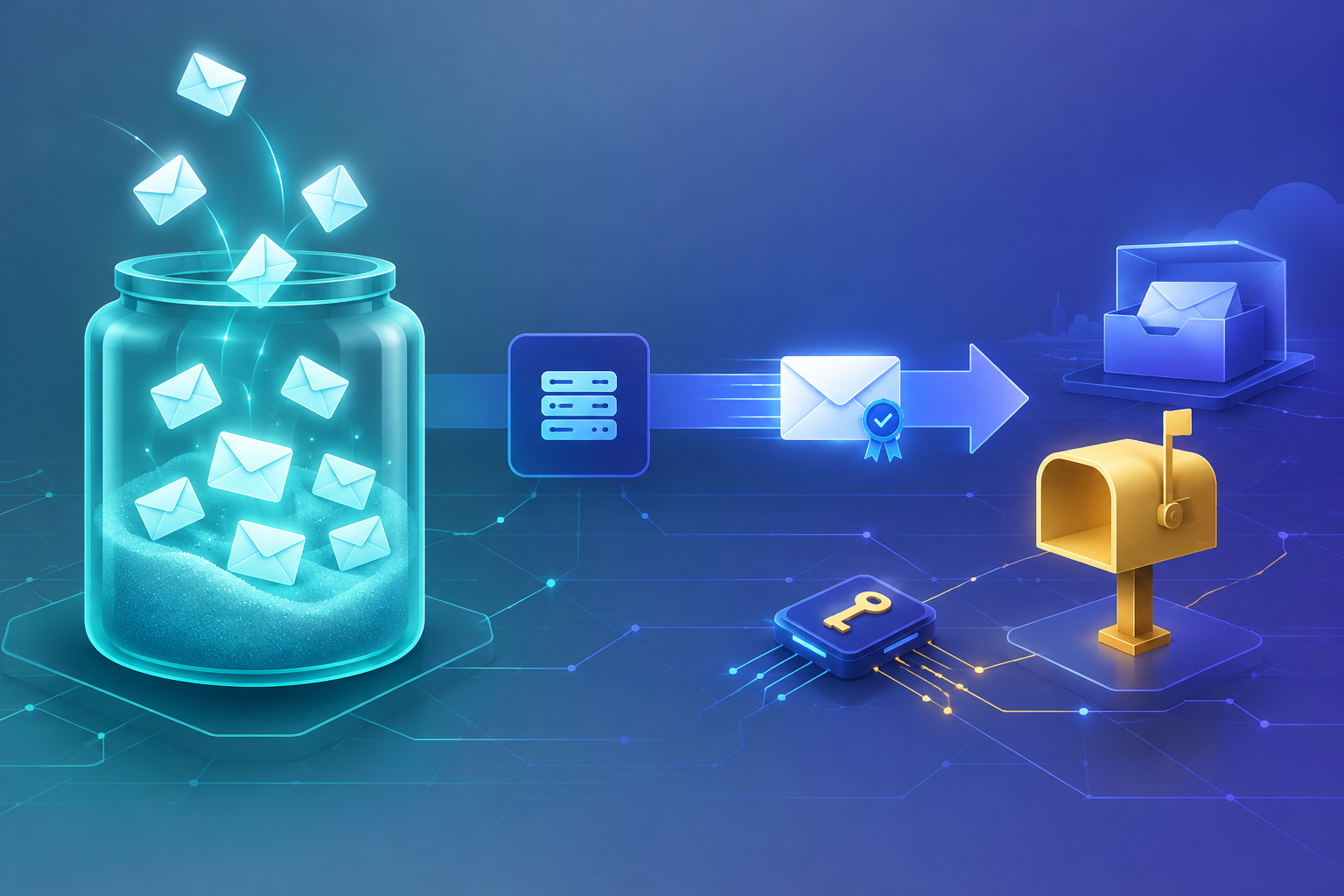
Mailtrap is best known as an email sandbox: a fake SMTP (and sandbox API) that captures messages from staging and CI so they never hit real inboxes. Teams that already use it for HTML previews, spam-score checks, and safe QA rarely search because "Mailtrap cannot trap mail."
"Mailtrap alternative" in 2026 is usually one of these:
- The app outgrew capture-only workflows. Signup OTP, password resets, receipts, and invites must deliver to real addresses—not land in a virtual inbox.
- You still want a developer-shaped HTTP send path—one
POST /emails,Idempotency-Keyon retries, signed delivery webhooks—without treating sandbox SMTP credentials as your production sender forever. - You need human mailboxes on the same domain (
hello@,support@) that people open in webmail or IMAP, not only a QA sink or a send-only ESP. - Staging stays on a sandbox; production needs a verified domain, DKIM/SPF/DMARC, and a permanent Free send quota for side projects and agent prototypes.
- You want inbound replies and
support@on the same organization that sends transactional mail.
None of that says Mailtrap is weak at QA. Email Sandbox is excellent at not delivering. It says many searchers now need production transactional delivery plus domain mailboxes—while keeping a safe place to test. Rovela does not clone Mailtrap's capture inbox; it targets the production side of that split. This article is the engineering long-tail: when to keep Mailtrap, when to add Rovela, what the docs-backed path looks like, and how to migrate without inventing features.
Peers in other keyword classes (do not confuse the hooks): Resend alternative (mailboxes + inbound), SendGrid alternative (simple HTTP), Postmark alternative (permanent free + mailboxes), Mailgun alternative (free + routing simplicity), Brevo alternative (send-priced transactional), Amazon SES alternative (plain HTTP / no AWS). Here the primary keyword stays Mailtrap.
When Mailtrap is still the right tool
Stay—or dual-run—if:
- You need a safe fake SMTP / sandbox API so staging and CI never mail real customers. Mailtrap's Email Sandbox is purpose-built for that: trap, preview, inspect headers, share with QA.
- Your primary pain is rendering and content review (HTML/CSS across clients, spam-score style checks) before go-live—not production deliverability ops.
- You already run Mailtrap Email API/SMTP for live sending and are happy with that production path; this post is not a demand to rip it out.
- Procurement already standardized on Mailtrap for the whole email lifecycle, and a second vendor for OTP is not worth it this quarter.
Rovela targets teams that want production transactional HTTP: verified-domain delivery, domain mailboxes, inbound, and Idempotency-Key behind a single POST /emails—not a capture inbox that replaces an ESP. Dual-run is normal: Mailtrap Sandbox for staging, Rovela for live OTP and receipts.
What "sandbox-first" leaves open in production
Capture vs deliver
Mailtrap Email Sandbox is a testing environment: messages are trapped and never reach real recipients. That is the feature. Production needs the opposite—messages must leave for Gmail, Outlook, and corporate MX with SPF/DKIM/DMARC aligned.
Rovela has no separate sandbox key that behaves differently from live (Quick Start). Free plan mail is real mail. Use a verified domain, point staging at a sink you control (Mailtrap, Mailpit, Mailhog), and point production at Rovela. Do not invent a Rovela "fake SMTP inbox"—it is not documented.
Sandbox SMTP credentials vs one production POST
Sandbox SMTP host/credentials are perfect for local and CI. Production apps that still speak only "swap SMTP host" often postpone idempotent HTTP, webhooks, and mailbox UX. Rovela's send path is one call: POST https://api.rovela.dev/emails with Bearer auth and a flat JSON body; the API returns a queued message id (email API, Quick Start, API: emails).
QA sink vs mailboxes humans can open
A sandbox inbox is for engineers and QA. Founders and support still need hello@yourcompany.com in a browser or IMAP client. Rovela includes business mailboxes on your domain in the same org—webmail plus IMAP/SMTP for mail apps (webmail manual, SMTP). Free includes 5 mailboxes and 1 GiB storage; paid plans raise counts and storage (Pricing).
Idempotency when workers retry
Rovela accepts an Idempotency-Key header (up to 256 characters); a retry within 24 hours returns the original response instead of sending again (email API, API: emails). That matters when you leave "point SMTP at sandbox" for queue workers and AI agents that retry on timeouts—without minting two disagreeing OTP codes.
Inbound and signed webhooks beside send
Inbound on Rovela is first-class: enable inbound on a verified domain, publish MX, subscribe to email.received, and fetch parsed content when your app needs it (Receiving email). Delivery events (email.delivered, email.bounced, email.complained, and more) push as signed webhooks (Webhooks overview). Use that for production bounce handling; keep Mailtrap Sandbox for pre-prod capture.
Docs-backed map: send, auth, mailboxes, inbound
1. One send: POST /emails
Authenticate with a Bearer token from a key that has sending_access for production senders (Quick Start, Authentication). The from address must sit on a verified domain. There is no separate sandbox key that behaves differently from live (Quick Start).
curl -X POST https://api.rovela.dev/emails \
  -H "Authorization: Bearer re_your_sending_key" \
  -H "Content-Type: application/json" \
  -H "Idempotency-Key: mailtrap-migrate-otp-user_123-2026-11-05" \
  -d '{
    "from": "Acme <no-reply@yourdomain.com>",
    "to": "alice@example.com",
    "subject": "Your Acme code: 482913",
    "html": "<p>Your verification code is <b>482913</b>. It expires in 10 minutes.</p>",
    "text": "Your verification code is 482913. It expires in 10 minutes."
  }'
- Response shape: queued message id (
{"object":"email","id":"..."}). - Idempotency: same key within 24h → original response, no duplicate send.
- Overview: HTTP email API. A
200means accepted for delivery, not "already in the inbox."
2. Domain verification before the first real send
Add the domain in the dashboard, publish the DNS records shown (SPF, DKIM, DMARC, return-path), then verify (Quick Start, Domain guides). Sends from unverified domains are refused with a 400—not silently dropped. Keep Mailtrap Sandbox for tests that must not touch DNS yet.
3. Delivery webhooks
Register an endpoint with the events you handle; verify signatures; dedupe on event id (Webhooks, Security). Prefer webhooks over polling GET /emails/:id in production. Reading message state needs full_access or a dashboard session; sending_access can only send (API: emails, Authentication).
4. Business mailboxes, webmail, SMTP
- Webmail: rovela.email / webmail manual.
- SMTP for clients: host
mx.rovela.dev, port 465 SSL/TLS; username = full address; password = per-device credential (SMTP). A mailbox sends only as itself, DKIM-signed with your domain key. - Free includes 5 mailboxes; paid plans raise counts and storage (Pricing).
5. Inbound on the same organization
Enable inbound on a verified domain (full_access key), publish the returned MX, optionally list recipients when catch_all is false, subscribe to email.received (Receiving email). Deeper patterns: Inbound email API webhooks.
Migration checklist (Mailtrap-flavored)
- Keep Mailtrap Sandbox (or Mailpit/Mailhog) for staging and CI—do not route production secrets into a capture inbox by accident.
- Create a Rovela org and stay on Free while you prove live delivery (signup)—permanent free tier, no card (Pricing).
- Verify the production sending domain (DKIM / SPF / DMARC / return-path as shown).
- Create a
sending_accesskey for app servers; keepfull_accessfor domain, template, and inbound admin tooling (Authentication). - Branch by environment: staging → sandbox SMTP/API; production →
POST https://api.rovela.dev/emailswith Bearer auth. Map from/to/subject/html (or text) 1:1. - Add
Idempotency-Keyon OTP, magic-link, and receipt sends so retries do not double-fire. - Point production webhooks at bounce/complaint handlers; verify signatures before you cut traffic.
- Optional: create mailboxes and enable inbound after outbound OTP looks clean.
Most teams keep Mailtrap for QA forever and only move the live transactional path. That is the intended split—not a failure of either product.
Pricing without invented numbers
| Need | Rovela Free (docs) | Notes |
|---|---|---|
| Monthly sends | 100 emails | Per Pricing |
| Mailboxes | 5 | Same free plan |
| Storage | 1 GiB | Same free plan |
| Card | Not required | Permanent free tier |
| API / webhooks / inbound | Included | Upgrades raise limits |
Paid plans (Pro from the pricing page, Enterprise custom) increase email, domain, mailbox, and storage ceilings. Always re-read /pricing before you commit architecture to a number. Quote Mailtrap packaging only from Mailtrap's own site—do not invent their plan limits here.
What this post is not
- Not a claim that Mailtrap "fails" at QA or that Email Sandbox is obsolete—capture-without-delivery is why teams adopt it.
- Not a claim that Rovela is a drop-in fake SMTP sink. Rovela Free sends real mail after domain verification (Quick Start).
- Not a Resend, SendGrid, Postmark, Mailgun, Brevo, or SES rewrite; those live at the sibling posts linked above. The hooks here are sandbox vs production, HTTP transactional send, and domain mailboxes.
- Not invented MCP tools, China-domestic ESP topics, or undocumented endpoints. There is no
/alternatives/mailtrapmarketing page to clone as of this writing.
Next steps
- Keep staging on Mailtrap Email Sandbox (or a local sink) if capture is still required.
- Send one live message via Quick Start + POST /emails.
- If humans need inboxes, add a mailbox and open webmail.
- If replies or
support@matter, enable inbound. - For passwordless flows, pair with OTP / magic-link spam and code vs link.
Bottom line: a Mailtrap alternative search in 2026 often means you still respect Mailtrap's sandbox—but production OTP and receipts need verified-domain delivery, idempotent POST /emails, and mailboxes your team can open. Rovela is built for that production stack. Keep the sandbox for QA; migrate the live path with the docs above.