SuperTokens Transactional Email with Rovela (2026)
Custom SuperTokens emailDelivery sendEmail overrides for Passwordless, password reset, and email verification via Rovela POST /emails with Idempotency-Key—SuperTokens owns sessions/auth; Rovela delivers. Distinct from Stytch, WorkOS, Clerk, Auth.js, Better Auth.
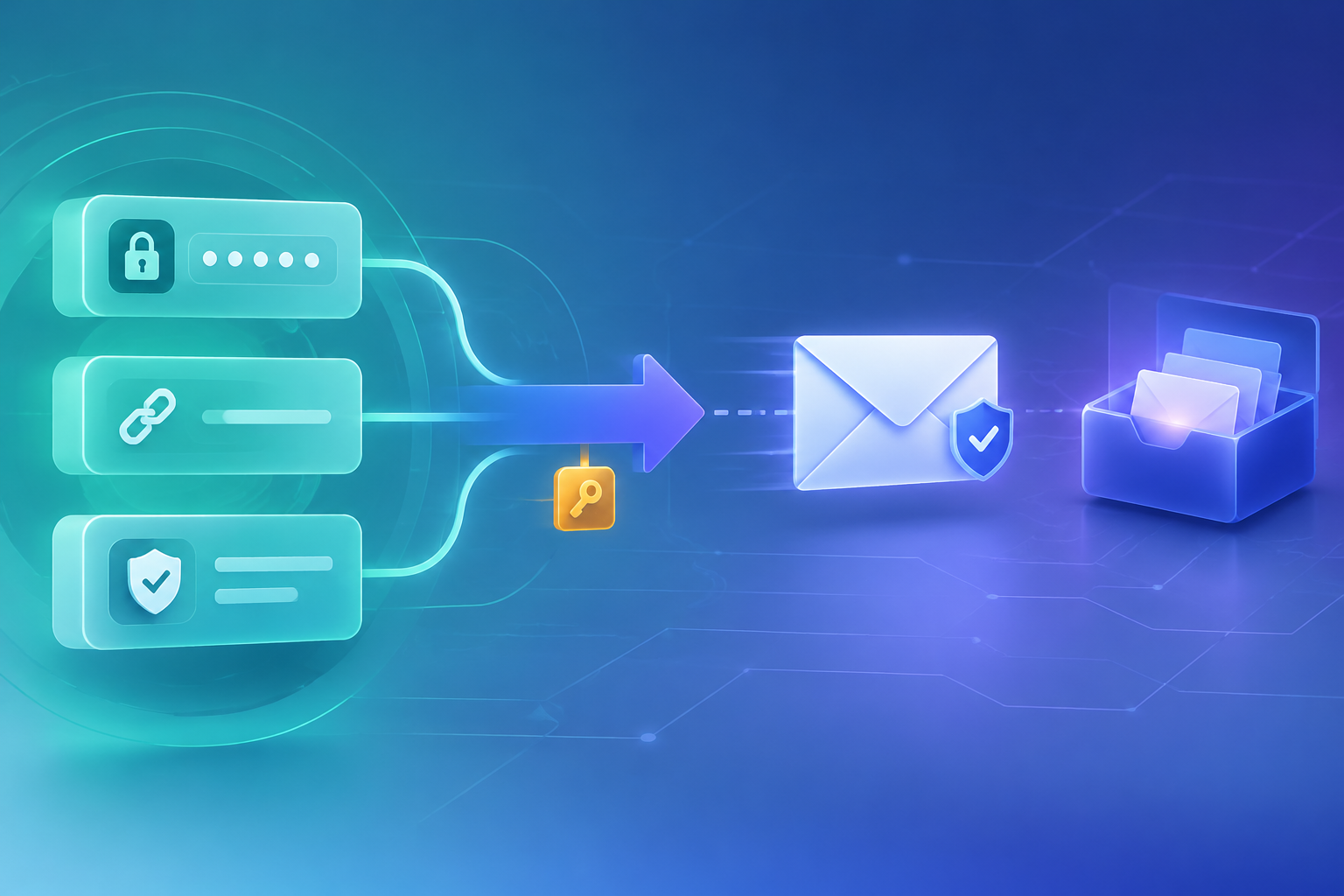
SuperTokens owns auth — Rovela delivers the mail
SuperTokens is an open-source authentication stack: recipes for EmailPassword, Passwordless, EmailVerification, WebAuthn, and Session, with a Core you can self-host or run managed. Email is configured per recipe through emailDelivery—built-in delivery, SMTP, or a custom sendEmail override—as documented in Configure Email Delivery.
This guide keeps SuperTokens for identity (users, sessions, passwordless codes/links, password-reset and verification tokens) and routes delivery through Rovela’s flat POST https://api.rovela.dev/emails with an Idempotency-Key, so your auth mail shares the same verified domain and reputation as invoices and product alerts (Send Email API, Quick Start, Authentication).
Rovela does not replace SuperTokens. It does not run SuperTokens Core, issue sessions, mint passwordless codes, validate reset/verify links, or host SuperTokens’ built-in delivery endpoints. SuperTokens remains the source of truth for auth; your override only transports the already-built passwordResetLink, emailVerifyLink, userInputCode, or urlWithLinkCode to the inbox.
Distinct from:
- Stytch + Rovela — Consumer Embeddable Magic Links / app OTP around a hosted passwordless API
- WorkOS AuthKit + Rovela — AuthKit custom emails + Get APIs
- Clerk + Rovela — Clerk custom email templates / webhooks
- Auth.js / NextAuth + Rovela / Better Auth + Rovela — framework Email providers and send hooks
The integration surface here is SuperTokens emailDelivery.override → sendEmail on EmailPassword, EmailVerification, and Passwordless (Node examples; Go/Python expose the same override idea).
When to keep SuperTokens built-in / SMTP vs Rovela
| Need | Typical path |
|---|---|
| Stock auth mail with minimal setup | SuperTokens built-in delivery (no template customization; failure behavior differs by recipe/SDK—see their docs) |
| Send from your domain via SMTP templates SuperTokens already ships | Recipe SMTPService + optional getContent override |
Same ESP / mail. reputation as product mail; full HTML you own | Custom sendEmail → Rovela |
| Passwordless OTP + magic link HTML you control end-to-end | Passwordless emailDelivery.override → Rovela |
| Welcome / product invite that is not a SuperTokens recipe email | Always app-owned → Rovela after SuperTokens auth |
Prefer the custom override when delivery is security-critical: SuperTokens’ docs warn not to treat the built-in service as a durable queue, and note that some recipes await delivery while others may suppress built-in failures outside serverless environments.
What you own vs what Rovela sends
Your app (plus SuperTokens) owns:
- Core connection,
appInfo, recipe list, and Session cookies / tokens - Generating password-reset links, email-verify links, and passwordless
userInputCode/urlWithLinkCode - Rate limits and tenant context SuperTokens already applies
- A stable
Idempotency-Keyper logical challenge (derive frompreAuthSessionId, link token fragment, or similar—not a fresh UUID on every retry) - Throwing from
sendEmailwhen transport fails so SuperTokens can surface the error (per their override guidance)
Rovela owns:
POST /emailswithAuthorization: Bearer+ asending_accesskey- Queueing, DKIM signing, retries, bounce/complaint handling
A 200 means accepted and queued, not “already in the inbox” (Quick Start).
Prerequisites
- Verified sending domain in the Rovela dashboard. Unverified
fromdomains are refused with400(Quick Start). Prefer a subdomain such asmail.example.comfor auth mail (Why OTP and magic-link emails go to spam). - An API key shaped like
re_…. Prefersending_accessfor production senders (Authentication). - A working SuperTokens backend (
supertokens-nodeor equivalent) with Core URI and the recipes you use. ConfigureemailDeliveryon each recipe that sends mail—AccountLinkingdoes not own delivery. - Never put the Rovela key or SuperTokens Core API keys in a client app or public repo. Only a trusted server may call Rovela or SuperTokens backend APIs.
Environment
export ROVELA_API_KEY=re_your_sending_access_key
export ROVELA_FROM='Acme <auth@mail.example.com>'
# SuperTokens Core connectionURI / API keys as your deployment already uses
Rotate Rovela keys by creating a new one, deploying, then revoking the old key (Authentication). Keep SuperTokens and Rovela credentials in the same secret store your host already uses.
Shared Rovela helper
Centralize fetch so every recipe override uses the same headers, error handling, and idempotency rules. Do not ask Rovela to invent codes or links—pass through what SuperTokens already gave you.
// lib/rovelaSendAuthEmail.ts
const ROVELA_URL = "https://api.rovela.dev/emails";
export async function rovelaSendAuthEmail(opts: {
to: string;
subject: string;
html: string;
text: string;
/** Stable per challenge — retries within 24h reuse the same acceptance */
idempotencyKey: string;
}) {
const apiKey = process.env.ROVELA_API_KEY!;
const from = process.env.ROVELA_FROM!;
const key = opts.idempotencyKey.slice(0, 256);
const res = await fetch(ROVELA_URL, {
method: "POST",
headers: {
Authorization: `Bearer ${apiKey}`,
"Content-Type": "application/json",
Accept: "application/json",
"Idempotency-Key": key,
},
body: JSON.stringify({
from,
to: opts.to,
subject: opts.subject,
html: opts.html,
text: opts.text,
}),
});
if (!res.ok) {
const data = await res.json().catch(() => ({}));
// Do not log API keys — status + provider message only
console.error("rovela_send_failed", res.status, data.message);
throw new Error(`Rovela send failed: ${res.status}`);
}
}
export function escapeHtml(s: string) {
return s
.replace(/&/g, "&")
.replace(/</g, "<")
.replace(/>/g, ">")
.replace(/"/g, """);
}
Notes aligned with Rovela’s docs:
- Send both
htmlandtextwhen you can (Send Email API). - Put short codes in the subject when useful so mobile notification previews stay readable (Email verification codes).
Idempotency-Key(≤ 256 chars): a retry within 24 hours returns the original acceptance instead of mailing twice (Send Email API — Idempotency).
Pattern A: Passwordless → Rovela
Passwordless email delivery receives type: "PASSWORDLESS_LOGIN" plus email, codeLifetime, preAuthSessionId, tenantId, and optionally userInputCode and/or urlWithLinkCode depending on flowType (USER_INPUT_CODE, MAGIC_LINK, or USER_INPUT_CODE_AND_MAGIC_LINK). Override sendEmail and call Rovela instead of the default service:
import SuperTokens from "supertokens-node";
import Passwordless from "supertokens-node/recipe/passwordless";
import Session from "supertokens-node/recipe/session";
import { escapeHtml, rovelaSendAuthEmail } from "./lib/rovelaSendAuthEmail";

SuperTokens.init({
  // supertokens: { connectionURI: "..." },
  appInfo: {
    appName: "Acme",
    apiDomain: "https://api.acme.example",
    websiteDomain: "https://acme.example",
  },
  recipeList: [
    Passwordless.init({
      contactMethod: "EMAIL",
      flowType: "USER_INPUT_CODE_AND_MAGIC_LINK",
      emailDelivery: {
        override: (originalImplementation) => ({
          ...originalImplementation,
          sendEmail: async function (input) {
            // Do NOT call originalImplementation.sendEmail unless you still want ST/SMTP delivery.
            const code = input.userInputCode;
            const link = input.urlWithLinkCode;
            const parts: string[] = [];
            if (code) {
              parts.push(
                `<p>Your sign-in code is</p>` +
                  `<p style="font-size:28px;font-weight:600;letter-spacing:4px"><b>${escapeHtml(code)}</b></p>`,
              );
            }
            if (link) {
              parts.push(
                `<p><a href="${escapeHtml(link)}">Sign in with magic link</a></p>` +
                  `<p>Or paste: ${escapeHtml(link)}</p>`,
              );
            }
            parts.push(
              `<p>This challenge expires in about ${Math.round(input.codeLifetime / 60_000)} minutes.</p>` +
                `<p>If you did not request this, ignore the email.</p>`,
            );

            const subject = code
              ? `Your Acme code: ${code}`
              : "Sign in to Acme";

            await rovelaSendAuthEmail({
              to: input.email,
              subject,
              html: parts.join(""),
              text: [
                code ? `Your sign-in code is ${code}.` : null,
                link ? `Sign in: ${link}` : null,
                `Expires in about ${Math.round(input.codeLifetime / 60_000)} minutes.`,
                "If you did not request this, ignore this email.",
              ]
                .filter(Boolean)
                .join("\n"),
              idempotencyKey: `st-pless-${input.tenantId}-${input.preAuthSessionId}`,
            });
          },
        }),
      },
    }),
    Session.init(),
  ],
});
Treat userInputCode and urlWithLinkCode as secrets: never log them, never put them in client-side analytics. Add bot/scanner protection on magic-link landing pages—email security scanners may pre-click one-time links. SuperTokens still owns create/consume of the code; Rovela only delivers.
Pattern B: Password reset (EmailPassword) → Rovela
EmailPassword password-reset delivery exposes type: "PASSWORD_RESET" and a passwordResetLink (plus user fields). Override and send with Rovela:
import EmailPassword from "supertokens-node/recipe/emailpassword";
import { escapeHtml, rovelaSendAuthEmail } from "./lib/rovelaSendAuthEmail";

EmailPassword.init({
  emailDelivery: {
    override: (originalImplementation) => ({
      ...originalImplementation,
      sendEmail: async function (input) {
        if (input.type !== "PASSWORD_RESET") {
          return originalImplementation.sendEmail(input);
        }
        const link = input.passwordResetLink;
        // Optional: rewrite the default website path before sending
        // const link = input.passwordResetLink.replace(
        //   "https://acme.example/auth/reset-password",
        //   "https://acme.example/account/reset",
        // );

        await rovelaSendAuthEmail({
          to: input.user.email,
          subject: "Reset your Acme password",
          html:
            `<p>Reset your Acme password:</p>` +
            `<p><a href="${escapeHtml(link)}">Choose a new password</a></p>` +
            `<p>Or paste: ${escapeHtml(link)}</p>` +
            `<p>If you did not request a reset, you can ignore this email.</p>`,
          text:
            `Reset your Acme password:\n${link}\n\n` +
            `If you did not request a reset, ignore this email.`,
          idempotencyKey: `st-reset-${input.user.id}-${link.slice(-32)}`,
        });
      },
    }),
  },
});
Lifetime lifetimes and link paths are SuperTokens Core / appInfo concerns—change them in SuperTokens config, not in Rovela. Rovela never validates the link.
Pattern C: Email verification → Rovela
EmailVerification’s sendEmail receives an emailVerifyLink (and user). Same pattern:
import EmailVerification from "supertokens-node/recipe/emailverification";
import { escapeHtml, rovelaSendAuthEmail } from "./lib/rovelaSendAuthEmail";

EmailVerification.init({
  mode: "REQUIRED", // or OPTIONAL — match your product
  emailDelivery: {
    override: (originalImplementation) => ({
      ...originalImplementation,
      sendEmail: async function (input) {
        const link = input.emailVerifyLink;
        await rovelaSendAuthEmail({
          to: input.user.email,
          subject: "Verify your Acme email",
          html:
            `<p>Confirm your email for Acme:</p>` +
            `<p><a href="${escapeHtml(link)}">Verify email</a></p>` +
            `<p>Or paste: ${escapeHtml(link)}</p>`,
          text: `Verify your Acme email:\n${link}`,
          idempotencyKey: `st-verify-${input.user.id}-${link.slice(-32)}`,
        });
      },
    }),
  },
});
WebAuthn account-recovery mail follows the same emailDelivery override idea on that recipe when you use it—wire it the same way; do not invent fields beyond what that recipe’s SDK documents.
SMTP vs custom override (honest choice)
SuperTokens’ SMTP service is fine when you want their default HTML with your SMTP credentials. Rovela is an HTTP API, not an SMTP relay you point smtpSettings.host at. For Rovela, use the custom sendEmail override (this article), not an invented “Rovela SMTP hostname.” You can still use SMTP for one recipe and Rovela for another by configuring each recipe’s emailDelivery independently.
Product mail after SuperTokens auth
Welcome notes, org invites, and billing receipts are not SuperTokens recipe emails. After signup/session creation (API handler, webhook, or job), call the same rovelaSendAuthEmail helper with a stable idempotency key such as st-welcome-{userId}. Keep sessions and user CRUD on SuperTokens.
Errors you will actually hit
Same Rovela shape everywhere (Quick Start):
400naming your domain —fromnot verified in this Rovela org400recipient is suppressed: …— prior bounce/complaint; ask for another address401— bad or revoked key429— honourRetry-After; keep the sameIdempotency-Keyon retry
Throw from your override when Rovela returns non-2xx so SuperTokens can propagate transport failures where the SDK supports it. Do not tell the user “check your inbox” when the API refused the send. Surface SuperTokens create/consume errors separately from Rovela transport failures.
Checklist
- Verify
mail.example.com(or your chosen domain) in Rovela; SPF/DKIM/DMARC pass - Create a
sending_accesskey; store only in server env next to SuperTokens secrets - Override
emailDelivery.sendEmailon Passwordless / EmailPassword / EmailVerification as needed—do not leave security-critical flows on uncustomized built-in delivery if you need guarantees - Pass through SuperTokens’ links/codes; never mint a parallel “auth token” in Rovela
fetchwith bothhtmlandtext+Idempotency-Keyderived frompreAuthSessionIdor link identity- Keep Core, sessions, and recipe APIs on SuperTokens; use Rovela only as the mail transport
- Watch delivery via the dashboard message page or Rovela webhooks—not by assuming
200means inbox
Soft docs: Send Email · Authentication · Email verification codes · Quick Start · SuperTokens Configure Email Delivery.