One-Click DNS Setup: Cloudflare, Alibaba Cloud, and DNSPod
Connect your DNS provider and let Rovela write SPF, DKIM, DMARC, and MX records automatically. Includes credential instructions for all three providers and an explanation of the conflict-without-overwrite sync policy.
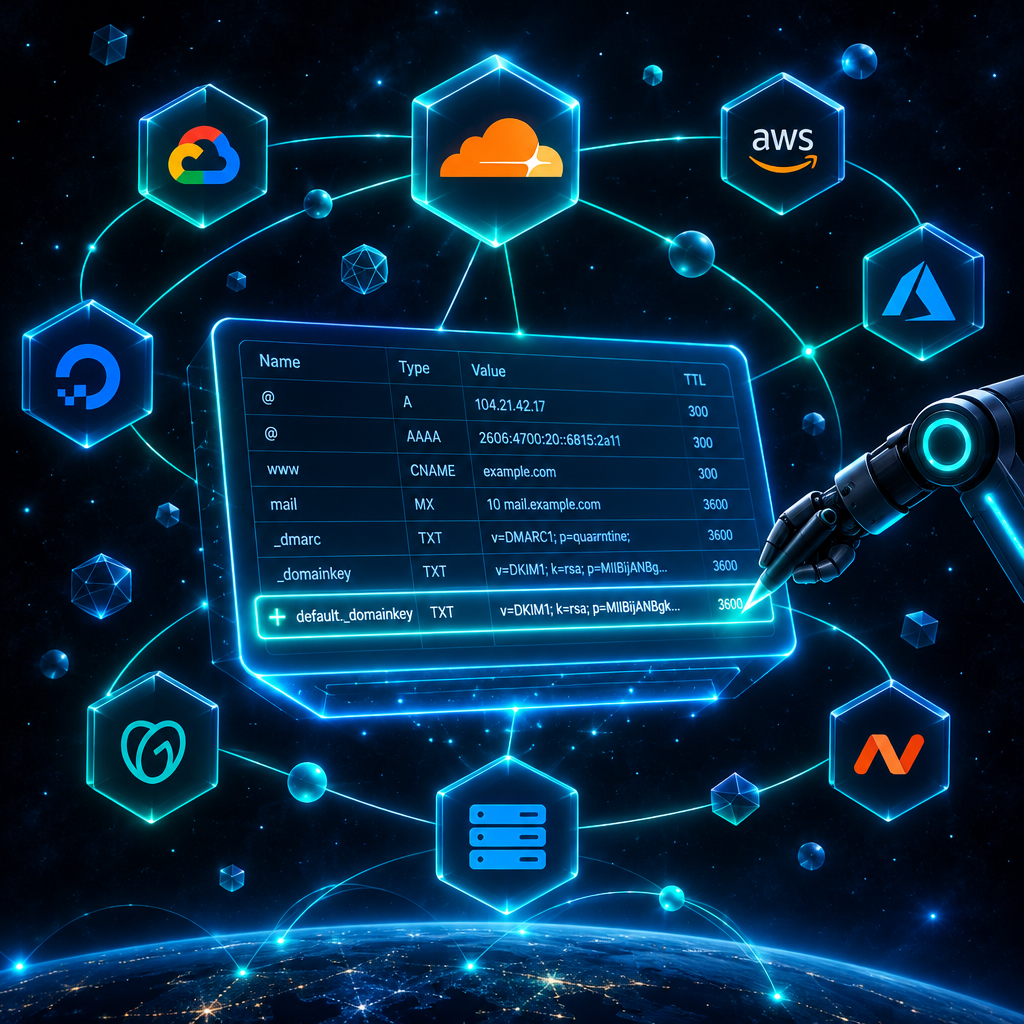
The step where setting up a business email goes wrong most often is copying four or five DNS records into your registrar's control panel by hand. A DKIM public key is several hundred characters long, and one wrong character makes the whole record invalid. Whether the host field should be @ or the full domain name varies between providers.
Rovela can connect directly to three DNS providers — Cloudflare, Alibaba Cloud DNS, and Tencent Cloud DNSPod — and write the records itself.
What gets written
| Record | Type | Host | Value |
|---|---|---|---|
| SPF | TXT | @ | v=spf1 include:_spf.rovela.dev ~all |
| DKIM | TXT | rovela<random>._domainkey — unique per domain | Your domain's public key |
| DMARC | TXT | _dmarc | v=DMARC1; p=none; |
| MX | MX | @ | mx.rovela.dev, priority 10 |
Step 1: detect your DNS provider
Add the domain in the Rovela dashboard and click "Detect DNS provider." The system queries the domain's NS records and identifies the host by nameserver name:
*.cloudflare.com→ Cloudflare*.alidns.com,*.hichina.com→ Alibaba Cloud DNS*.dnspod.net,*.dnsv2.comthrough*.dnsv5.com→ DNSPod
If the result doesn't match your expectation, trust the NS record. A domain registered with Alibaba but pointed at Cloudflare nameservers needs its records written in Cloudflare.
Step 2: create a credential with minimum permissions
This is the only part that requires your input. The rule is simple: create a scoped credential, not a master account key.
Cloudflare: go to My Profile → API Tokens → Create Token, use the "Edit zone DNS" template, and under "Zone Resources" pick "Specific zone" → your domain. Copy the generated token.
Alibaba Cloud: create a RAM user in the RAM console with OpenAPI access only, grant AliyunDNSFullAccess (or a custom policy scoped to the specific domain), then generate an AccessKey ID and AccessKey Secret.
DNSPod: there is a trap here. The DNSPod control panel's "API Keys" page has two tabs, and "DNSPod Token" and "Tencent Cloud API Key" are two completely different authentication systems. Rovela uses the second one: the Tencent Cloud API 3.0 SecretId / SecretKey.
A DNSPod Token is account-wide and cannot be scoped to a single domain — if it leaks, all DNS zones on your account are exposed. Instead, go to Tencent Cloud's CAM (Cloud Access Management), create a sub-user with permission limited to this domain's DNSPod operations, and generate a SecretId/SecretKey for that sub-user. If what you paste looks like numberID,Token, you have the wrong one.
Credentials are encrypted immediately on submission and are never shown again.
Step 3: select the zone and sync
After connecting, choose the DNS zone and click "Sync DNS." For each record the system plans to write, it first reads what is already in your zone and then decides what to do:
- Record does not exist: create it.
- Record exists with the same value: skip, mark as "already present."
- Record exists with a different value: leave it untouched, mark as "conflict," and show you the existing value.
The no-overwrite behavior on conflicts is intentional. The most common conflict is the MX record: your domain may still be receiving mail through another provider, and automatically changing the MX would reroute all incoming mail immediately. That kind of cutover should be a deliberate decision made after migration is complete.
SPF conflicts are also common. If the domain already has a v=spf1 record, the right move is to merge include:_spf.rovela.dev into it, not to add a second record. A domain with two SPF records has neither — both become invalid.
Step 4: verify
Most records propagate within a few minutes. Go back to the domain details and click "Verify" — each record will show whether it has been detected. You can also check directly with dig:
dig +short MX yourcompany.com
dig +short TXT yourcompany.com
dig +short TXT _dmarc.yourcompany.com
Manual setup still works
If you'd rather not give any third party access to your DNS, add the records manually using the values shown in the dashboard. One-click sync just removes the copy-paste step and the risk of a transcription error.
Further reading: DNS records for email explained, Domain verification guide, Migrating company email to Rovela.
Sign up for Rovela free and try the one-click setup after adding your domain.