Email DNS configuration: MX, SPF, DKIM, and DMARC explained
What each of the four core email DNS records does, the most common mistakes in each, and how to verify the configuration after publishing.
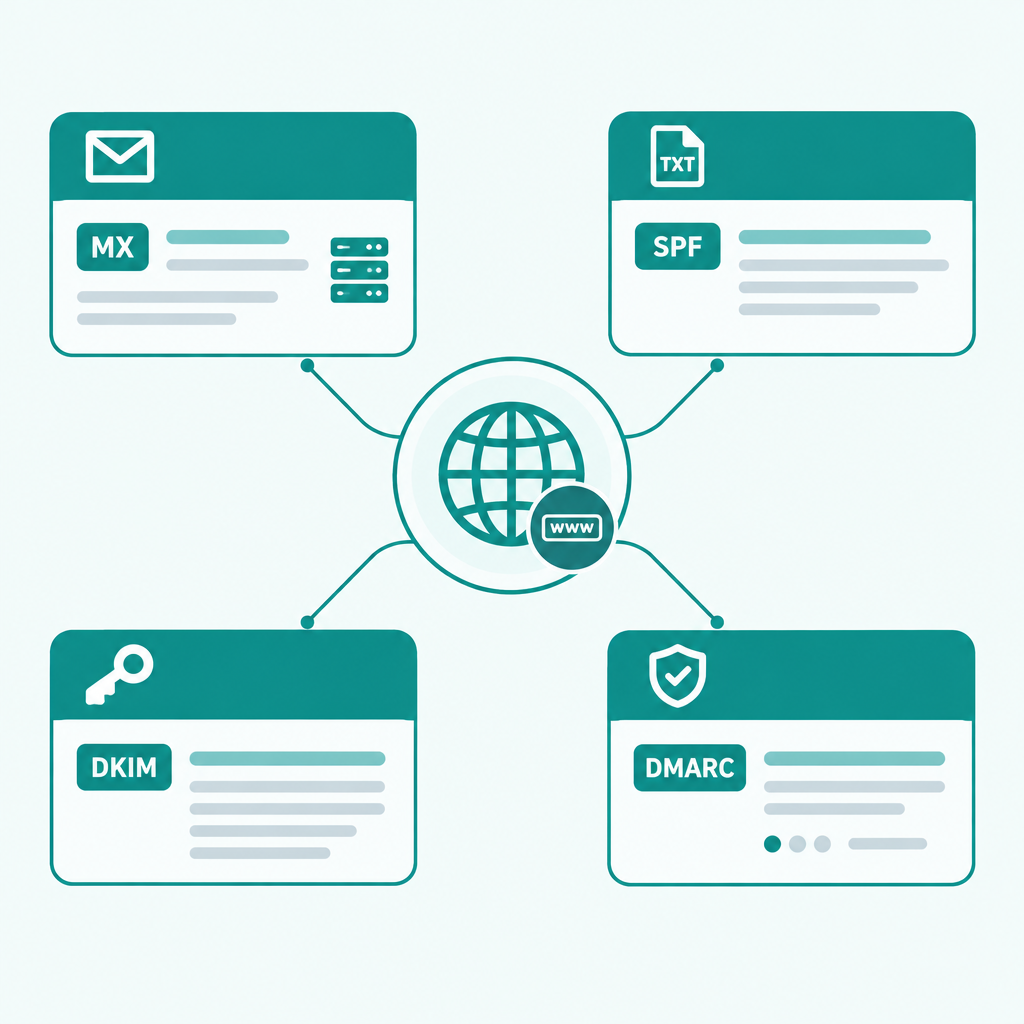
DNS configuration is the foundation that makes domain email work. Misconfiguration rarely produces an immediate error; it usually shows up as bounced mail, messages landing in spam, or outbound delivery failures. Here is what each of the four core records does and where things typically go wrong.
MX record
The MX record tells other servers where to deliver mail addressed to your domain. Each MX record has a priority number; lower means higher priority.
@ MX 10 mx.rovela.dev.
Common mistakes:
- Missing the trailing dot: in some DNS consoles
mx.rovela.devandmx.rovela.dev.are treated differently. A trailing dot means an absolute hostname; without it the console may append your domain. Rovela's setup page handles this automatically. - Leaving the old MX in place: when switching providers, if the old MX record is not removed, mail is delivered at random between the two destinations.
- Switching MX before mailboxes are ready: inbound mail bounces during the transition window.
SPF record
SPF is a TXT record that declares which IPs or servers are authorised to send on behalf of your domain.
@ TXT "v=spf1 include:spf.rovela.dev ~all"
~all (soft fail) is more forgiving than -all (hard reject) during initial setup, reducing false positives. Once you are confident the configuration is complete, tightening to -all is reasonable.
Common mistakes:
- Two SPF records for the same domain: the SPF specification allows only one TXT record starting with
v=spf1per domain. A second one causes authentication to fail. If you have multiple sending sources, combine allinclude:clauses into a single record. - Exceeding the 10-lookup limit: SPF allows at most 10 DNS lookups during evaluation. Nested
include:chains can push past this limit; audit the chain if SPF is failing unexpectedly.
DKIM record
DKIM uses a public/private keypair: the provider signs outbound mail with the private key, and receivers verify the signature against the public key published in DNS.
mail._domainkey TXT "v=DKIM1; k=rsa; p=MIIBIjANBgkqhki..."
The record name is <selector>._domainkey. The selector is assigned by your provider — commonly mail or a similar string.
Common mistakes:
- Key splitting: DNS TXT records have a 255-character limit per string. Long public keys must be split into multiple quoted strings. Some consoles handle this automatically; others require you to do it manually.
- Wrong selector: the
mailinmail._domainkeymust exactly match the selector your provider specifies.
DMARC record
DMARC tells receiving servers what to do with mail that fails both SPF and DKIM.
_dmarc TXT "v=DMARC1; p=none; rua=mailto:dmarc-reports@yourcompany.com"
p=none is monitor mode: collect reports, reject nothing. Start here. Once you have confirmed that all your sending sources pass authentication, move to p=quarantine and eventually p=reject.
Common mistakes:
- Starting with
p=rejectbefore SPF and DKIM are stable: legitimate mail you send will be rejected by recipients. - Omitting
rua: DMARC aggregate reports tell you which sending sources are failing authentication. Without a reporting address you are flying blind.
Verification
After publishing the records, send a test message to check-auth@verifier.port25.com — it replies with a full SPF, DKIM, and DMARC report. MXToolbox and mail-tester.com also offer record-level diagnostics.
Rovela's domain setup page lists all four records after you add a domain, and monitors their status in real time once they are published.