AWS Cognito Custom Email with Rovela (2026)
Cognito Custom Email Sender Lambda delivers verification, forgot-password, and invite mail via Rovela POST /emails with Idempotency-Key—Cognito owns auth; Rovela delivers. Not a Cognito/SES replacement; distinct from Firebase, Clerk, Supabase.
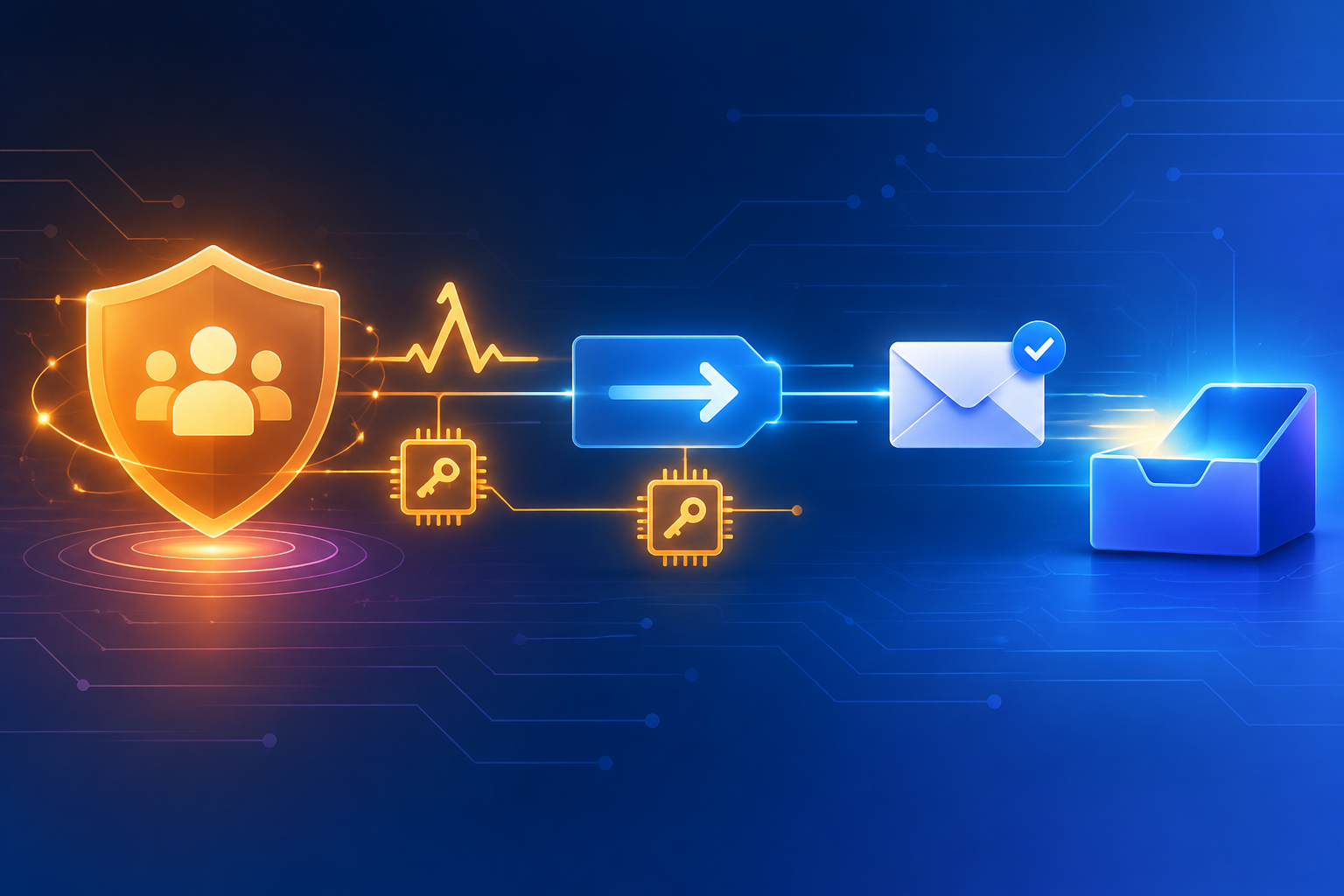
Cognito owns auth — Rovela delivers Cognito-triggered mail
Amazon Cognito user pools own sign-up, sign-in, forgot-password, MFA/email OTP, admin invites, and attribute verification. By default Cognito delivers those messages through its built-in email path (often Amazon SES when you configure it). Many teams keep Cognito for identity but want branded HTML, a dedicated mail. subdomain reputation, bilingual copy, or a flat HTTP send API they already use elsewhere.
This guide wires Cognito’s Custom email sender Lambda (and notes when Custom message is enough) so verification codes, password-reset codes, resend codes, and admin invite / temporary-password mail leave through Rovela’s POST https://api.rovela.dev/emails with an Idempotency-Key. Cognito still creates users, validates codes, and runs the auth lifecycle; your Lambda only decrypts the Cognito-provided secret and delivers the message.
Rovela does not replace Cognito. It does not create user pools, issue tokens, confirm sign-up, or redeem forgot-password codes. It also does not replace Amazon SES for every AWS workload—see Amazon SES alternative: simple HTTP for the general SES comparison. Here Rovela is only the custom transactional path for Cognito-triggered emails.
This is not Firebase Auth custom email, not Clerk, and not Supabase. The integration surface is Cognito user-pool Lambda triggers + AWS KMS decryption + a trusted sender calling Rovela.
Custom message vs Custom email sender
| Trigger | What Cognito does | When to use |
|---|---|---|
| Custom message | Lets you customize subject/body placeholders; Cognito still sends the email itself | Light branding while keeping Cognito’s default delivery |
| Custom email sender | Cognito invokes your Lambda instead of sending; you must deliver every email | You want Rovela (or any third-party HTTP API) as the transport |
For Rovela, use Custom email sender. Custom message alone will not call POST /emails.
Typical triggerSource values on the custom email sender (see AWS docs for the full table):
CustomEmailSender_SignUp— confirmation / welcome after sign-upCustomEmailSender_ResendCode— replacement confirmation codeCustomEmailSender_ForgotPassword— password-reset codeCustomEmailSender_VerifyUserAttribute/CustomEmailSender_UpdateUserAttribute— attribute verificationCustomEmailSender_Authentication— email OTP / MFA-style email codeCustomEmailSender_AdminCreateUser— invite / temporary passwordCustomEmailSender_AccountTakeOverNotification— account-takeover notice
What you own vs what Rovela sends
Your AWS account (user pool + Lambda) owns:
- Cognito user pools, clients, and auth flows
- Assigning the Custom email sender Lambda and a customer managed KMS key (Cognito encrypts codes / temporary passwords for the trigger)
- Decrypting
event.request.codewith the AWS Encryption SDK +kms:Decrypt - HTML/text templates, locale, and rate / abuse policy around Cognito APIs
- A stable
Idempotency-Keyper logical Cognito event (Lambda retries are common) - Secrets: Rovela API key and
fromin Lambda env / Secrets Manager—never in a browser or mobile app
Rovela owns:
POST /emailswithAuthorization: Bearer+ asending_accesskey (Authentication)- Queueing, DKIM signing, retries, bounce/complaint handling
A 200 means accepted and queued, not “already in the inbox” (Quick Start).
Prerequisites
- Verified sending domain in the Rovela dashboard. Unverified
fromdomains are refused with400(Quick Start). Prefermail.example.comfor auth mail (Why OTP and magic-link emails go to spam). - An API key that looks like
re_…. Prefersending_accessfor production senders. - A Cognito user pool and a Lambda in the same region you configure for custom senders.
- A KMS customer managed key Cognito can use to encrypt trigger secrets; your Lambda role needs decrypt permissions (follow AWS custom sender docs).
- Never put the Rovela key in Amplify client config, a React Native / Flutter bundle, or a public repo.
Configure the Custom email sender (high level)
Follow AWS’s custom email sender and custom sender triggers guides for the exact UpdateUserPool / LambdaConfig fields (CustomEmailSender, KMSKeyID). Configuration is API/CLI/CDK oriented; do not invent console toggles that may not exist.
Sketch (CDK-ish intent—adapt to your IaC):
// Illustrative: wire CustomEmailSender + KMSKeyID on the user pool LambdaConfig.
// Use the current AWS Cognito API shapes from the docs—not a drop-in snippet.
userPool.addTrigger(
  /* CustomEmailSender */ "CustomEmailSender",
  customEmailSenderFn,
);
// Also grant Cognito encrypt and Lambda decrypt on your CMK per AWS docs.
Store secrets on the function:
# Example names — use Secrets Manager or SSM Parameter Store in real deploys
aws lambda update-function-configuration \
  --function-name cognito-custom-email-sender \
  --environment "Variables={ROVELA_API_KEY=re_your_sending_access_key,ROVELA_FROM=Acme <security@mail.example.com>}"
Prefer Secrets Manager over plain env for the Rovela key. Rotate by creating a new Rovela key, updating the secret, then revoking the old key in the dashboard (Authentication).
Lambda: decrypt Cognito’s code, then POST Rovela
Cognito does not hand your function a plaintext code in the clear. The custom sender event carries an encrypted secret; your code decrypts it with the AWS Encryption SDK and the configured KMS key, then builds the email. The sketch below keeps decryption behind a helper—implement that helper exactly as AWS documents for your runtime (Node, Python, etc.).
// cognito-custom-email-sender.ts — illustrative Node 20+ handler
import type { CustomEmailSenderTriggerHandler } from "aws-lambda";
const ROVELA_URL = "https://api.rovela.dev/emails";
// Implement with AWS Encryption SDK + KMS per Cognito custom sender docs.
declare function decryptCognitoCode(
encryptedCode: string,
kmsKeyArn: string,
): Promise<string>;
function escapeHtml(s: string) {
return s
.replace(/&/g, "&")
.replace(/</g, "<")
.replace(/>/g, ">")
.replace(/"/g, """);
}
function subjectFor(source: string, code: string): string {
switch (source) {
case "CustomEmailSender_ForgotPassword":
return `Your Acme reset code: ${code}`;
case "CustomEmailSender_AdminCreateUser":
return "Your Acme temporary password";
case "CustomEmailSender_Authentication":
return `Your Acme sign-in code: ${code}`;
default:
return `Your Acme verification code: ${code}`;
}
}
export const handler: CustomEmailSenderTriggerHandler = async (event) => {
const email = event.request.userAttributes?.email;
if (!email) {
// Cognito invoked you because an email was required—fail loud so the
// invocation is retried or alerted rather than silently dropping.
throw new Error("missing_email_attribute");
}
const encrypted = event.request.code;
if (!encrypted) {
throw new Error("missing_encrypted_code");
}
const code = await decryptCognitoCode(
encrypted,
event.request.kmsKeyId /* field name per current AWS event shape */,
);
const apiKey = process.env.ROVELA_API_KEY!;
const from = process.env.ROVELA_FROM!;
const source = event.triggerSource;
const sub = event.userName || email;
// Stable across Lambda retries of the same Cognito event; new Cognito
// resend APIs produce a new code → use a new key (include a request id if present).
const idem =
`cognito-${source}-${sub}-${code.slice(0, 8)}`.slice(0, 256);
const safeCode = escapeHtml(code);
const html =
`<p>Your code is</p>` +
`<p style="font-size:28px;font-weight:600;letter-spacing:4px"><b>${safeCode}</b></p>` +
`<p>If you did not request this, you can ignore this email.</p>`;
const text =
`Your code is ${code}. If you did not request this, you can ignore this email.`;
const res = await fetch(ROVELA_URL, {
method: "POST",
headers: {
Authorization: `Bearer ${apiKey}`,
"Content-Type": "application/json",
Accept: "application/json",
"Idempotency-Key": idem,
},
body: JSON.stringify({
from,
to: email,
subject: subjectFor(source, code),
html,
text,
}),
});
const data = await res.json().catch(() => ({}));
if (!res.ok) {
// Throwing lets Lambda retry transient failures; keep the same Idempotency-Key.
console.error("rovela_send_failed", res.status, data);
throw new Error(`rovela_send_failed:${res.status}`);
}
// Custom email sender handlers typically return void / the event after send.
return;
};
Plain curl shape of the same send (Send Email API):
curl -X POST https://api.rovela.dev/emails \
  -H "Authorization: Bearer re_your_sending_key" \
  -H "Content-Type: application/json" \
  -H "Idempotency-Key: cognito-CustomEmailSender_ForgotPassword-alice-48291301" \
  -d '{
    "from": "Acme <security@mail.example.com>",
    "to": "alice@example.com",
    "subject": "Your Acme reset code: 482913",
    "html": "<p>Your code is</p><p style=\"font-size:28px;letter-spacing:6px\"><b>482913</b></p>",
    "text": "Your code is 482913. If you did not request this, ignore this email."
  }'
Response:
{"object": "email", "id": "9f1c2e40-..."}
Branching by triggerSource
Keep one Lambda and branch copy—not five separate Cognito transports:
triggerSource | Mail intent | Notes |
|---|---|---|
…_SignUp / …_ResendCode | Confirm account | Cognito still owns code validity |
…_ForgotPassword | Reset | Same |
…_AdminCreateUser | Invite / temp password | Treat temporary passwords like secrets in logs |
…_Authentication | Email OTP / MFA email | High urgency; short copy; code in subject helps mobile previews |
…_VerifyUserAttribute / …_UpdateUserAttribute | Verify new email |
Do not log plaintext codes or temporary passwords. Prefer structured logs with triggerSource, Cognito userName, and the Rovela message id only.
Idempotency on Cognito + Lambda retries
Cognito and Lambda can retry. Without Idempotency-Key, a timeout can deliver two codes that disagree.
Per the emails API:
- Header ≤ 256 characters
- Remembered for 24 hours; replay returns the original response
- Derive from Cognito event identity + a fingerprint of this code attempt
- A deliberate Cognito resend that mints a new code must use a new key
Errors you will actually hit
Same shape everywhere (Quick Start):
400naming your domain —fromnot verified in this Rovela org400recipient is suppressed: …— prior bounce/complaint401— bad or revoked key429— honourRetry-After; keep the sameIdempotency-Keyon retry
If Rovela refuses the send, throw from the Lambda so Cognito/Lambda retry policy can apply—or enqueue to SQS for controlled retries. Do not tell the end user “check your inbox” when the API never accepted the message.
Checklist
- Verify
mail.example.com(or your domain) in Rovela; SPF/DKIM/DMARC pass - Create a
sending_accesskey; store only in Lambda secrets—never in Cognito app clients - Configure Custom email sender + KMS CMK per AWS docs (not Custom message alone)
- Decrypt Cognito’s encrypted code with the Encryption SDK; never invent plaintext fields
fetchRovela with bothhtmlandtext+Idempotency-Key- Branch templates by
triggerSource; avoid logging secrets - Watch delivery via Rovela dashboard or webhooks—not by assuming
200means inbox
Soft docs: Send Email · Authentication · Email verification codes · Quick Start.
- support@rovela.dev