Send Transactional Email with Supabase + Rovela (2026)
Custom OTP, magic link, and welcome mail from a Supabase Edge Function via Rovela POST /emails—app owns tokens; Rovela delivers. Not a Supabase Auth replacement; distinct from Express/Next.js OTP and Workers guides.
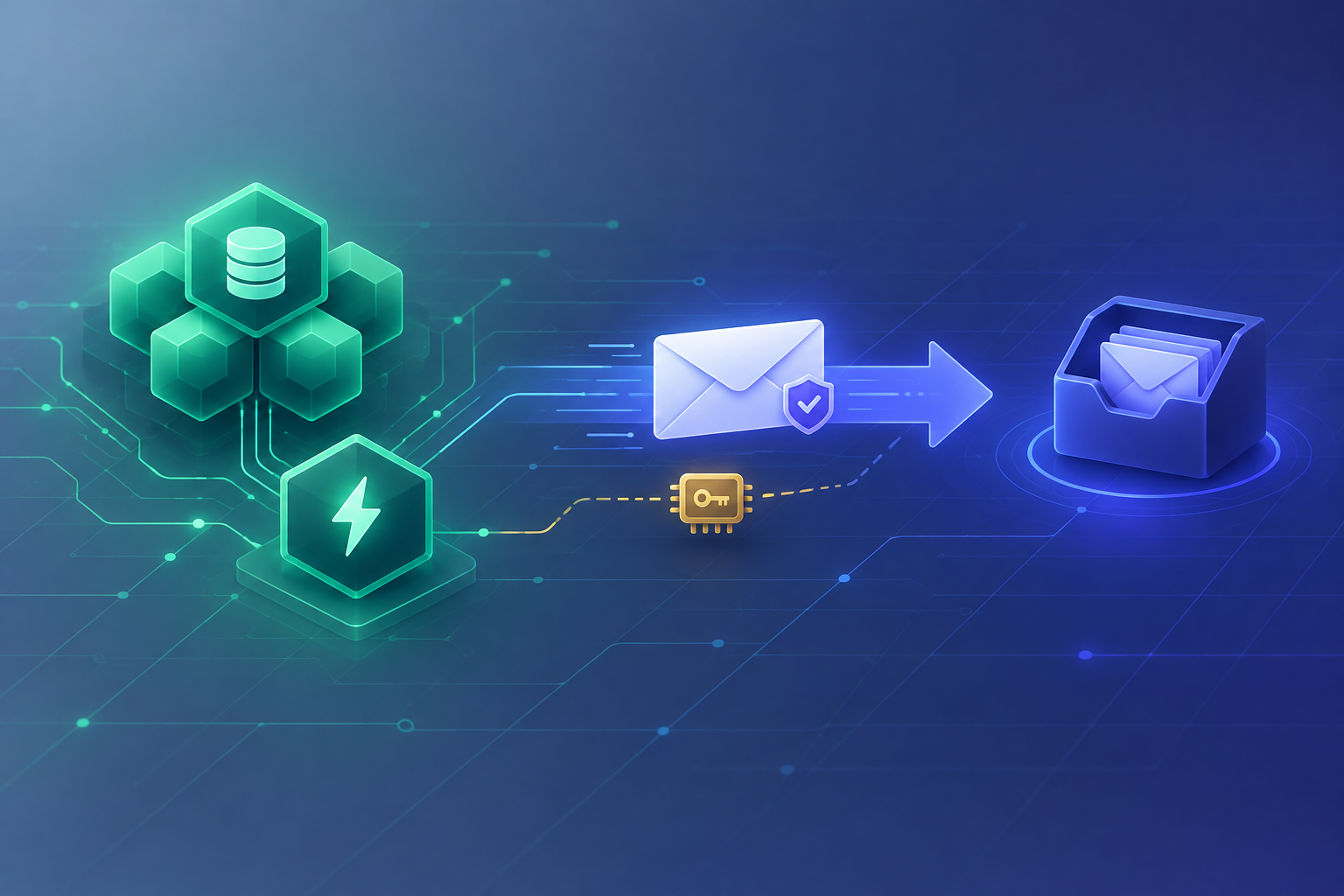
Supabase owns the app data — Rovela delivers the mail
Supabase gives you Postgres, Auth, Storage, Realtime, and Edge Functions (Deno) in one project. Many teams start with Supabase Auth’s built-in email for magic links and OTP, then hit the same wall: custom HTML, a dedicated mail. subdomain, stricter deliverability controls, or “send this welcome / receipt / invite from our verified domain” without fighting the default Auth templates.
This guide shows how to keep Supabase for the database and (optionally) Auth, and send transactional mail—OTP codes, magic login links, welcome notes, password-reset style links you mint yourself—by calling Rovela’s plain HTTP API from a Supabase Edge Function or any backend that already talks to your project.
Rovela does not replace Supabase Auth. It does not create users, issue JWTs, or verify OTP codes. Your Edge Function (or API route) owns tokens and hashes; Rovela only queues, DKIM-signs, and delivers via POST https://api.rovela.dev/emails (Send Email API, Quick Start).
This is not a framework OTP walkthrough (Express, Next.js magic link, Deno OTP). It is not Cloudflare Workers + Rovela (Workers secrets / wrangler) and not AI agents send email over HTTP. The runtime here is Supabase’s Deno Edge Function + project secrets.
When to keep Auth email vs route through Rovela
| Need | Typical path |
|---|---|
| Default magic link / OTP with stock templates | Supabase Auth email is fine to start |
| Custom HTML, brand layout, code-in-subject, bilingual copy | App-owned send → Rovela |
Separate reputation on mail.yourdomain.com | Verified Rovela domain + your from |
| Welcome / invite / receipt that is not an Auth template | Always app-owned → Rovela |
| You still want Supabase sessions | Use Auth for sessions; swap only the mail transport for custom flows |
Common pattern: disable or ignore Auth’s built-in mail for the flows you customize; mint codes/tokens yourself (or use Auth hooks / your own tables); send with Rovela; verify in your Edge Function against Postgres.
What you own vs what Rovela sends
Your Supabase project owns:
- User rows / Auth users (if you use Auth)
- Minting OTP digits or opaque magic-link tokens with a CSPRNG
- Storing HMAC hashes, expiry, attempt counters (Postgres table—never the raw code)
- Rate limits (“one send per minute per address”)
- Redeem / verify logic and session creation
- A stable
Idempotency-Keyper logical send
Rovela owns:
POST /emailswithAuthorization: Bearer+ asending_accesskey- Queueing, signing, retries, bounce/complaint handling
A 200 means accepted and queued, not “already in the inbox” (Quick Start).
Prerequisites
- Verified sending domain in the Rovela dashboard. Unverified
fromdomains are refused with400(Quick Start). Prefer a subdomain such asmail.example.comfor auth mail (Why OTP and magic-link emails go to spam). - An API key that looks like
re_…. Prefersending_accessfor Edge Functions (Authentication). - A Supabase project with Edge Functions enabled and the Supabase CLI (or dashboard) to set secrets.
- Never put the Rovela key in the browser, a React Native / Flutter client, or a public repo. Only the Edge Function (or a trusted server) may call Rovela.
Store secrets in the Supabase project
# From your linked Supabase project directory
supabase secrets set ROVELA_API_KEY=re_your_sending_access_key
supabase secrets set ROVELA_FROM="Acme <security@mail.example.com>"
supabase secrets set CODE_PEPPER="$(openssl rand -hex 32)"
# Optional: service role only if this function also writes Auth / privileged tables
# supabase secrets set SUPABASE_SERVICE_ROLE_KEY=...
Edge Functions read these via Deno.env.get(...). Rotate by setting a new secret and redeploying; revoke the old Rovela key in the dashboard when done (Authentication).
Minimal Edge Function: fetch → POST /emails
Create supabase/functions/send-otp/index.ts (Deno, same shape as any fetch client—no Rovela SDK):
import { createClient } from "https://esm.sh/@supabase/supabase-js@2";

const ROVELA_URL = "https://api.rovela.dev/emails";

function requireEnv(name: string): string {
  const v = Deno.env.get(name);
  if (!v) throw new Error(`missing_env:${name}`);
  return v;
}

Deno.serve(async (req) => {
  if (req.method !== "POST") {
    return new Response("method_not_allowed", { status: 405 });
  }

  const apiKey = requireEnv("ROVELA_API_KEY");
  const from = requireEnv("ROVELA_FROM");
  const pepper = requireEnv("CODE_PEPPER");

  const body = await req.json().catch(() => ({})) as {
    email?: string;
    sendId?: string;
  };
  const email = (body.email || "").trim().toLowerCase();
  const sendId = (body.sendId || crypto.randomUUID()).trim();
  if (!email || !email.includes("@")) {
    return Response.json({ error: "invalid_request" }, { status: 400 });
  }

  // CSPRNG six digits — never Math.random()
  const buf = new Uint32Array(1);
  crypto.getRandomValues(buf);
  const code = String(buf[0] % 1_000_000).padStart(6, "0");

  const keyMaterial = await crypto.subtle.importKey(
    "raw",
    new TextEncoder().encode(pepper),
    { name: "HMAC", hash: "SHA-256" },
    false,
    ["sign"],
  );
  const mac = await crypto.subtle.sign(
    "HMAC",
    keyMaterial,
    new TextEncoder().encode(`${email}:${code}`),
  );
  const codeHash = [...new Uint8Array(mac)]
    .map((b) => b.toString(16).padStart(2, "0"))
    .join("");

  // Upsert hash + expiry in Postgres (service role or RLS policy you trust)
  const supabase = createClient(
    Deno.env.get("SUPABASE_URL")!,
    Deno.env.get("SUPABASE_SERVICE_ROLE_KEY")!,
  );
  const expiresAt = new Date(Date.now() + 10 * 60 * 1000).toISOString();
  const { error: dbErr } = await supabase.from("verification_codes").upsert({
    email,
    code_hash: codeHash,
    expires_at: expiresAt,
    attempts: 0,
    sent_at: new Date().toISOString(),
  });
  if (dbErr) {
    return Response.json({ error: "store_failed" }, { status: 500 });
  }

  // Stable Idempotency-Key for this logical send (≤256 chars, 24h replay)
  const idempotencyKey = `supabase-otp-${sendId}`.slice(0, 256);

  const res = await fetch(ROVELA_URL, {
    method: "POST",
    headers: {
      Authorization: `Bearer ${apiKey}`,
      "Content-Type": "application/json",
      Accept: "application/json",
      "Idempotency-Key": idempotencyKey,
    },
    body: JSON.stringify({
      from,
      to: email,
      subject: `Your Acme code: ${code}`,
      html:
        `<p>Your verification code is</p>` +
        `<p style="font-size:28px;font-weight:600;letter-spacing:4px"><b>${code}</b></p>` +
        `<p>It expires in 10 minutes. If you did not ask for it, ignore this email.</p>`,
      text:
        `Your verification code is ${code}. It expires in 10 minutes. ` +
        `If you did not ask for it, ignore this email.`,
    }),
  });

  const data = await res.json().catch(() => ({}));
  if (!res.ok) {
    // Do not log the API key. Surface status + provider message only.
    return Response.json(
      { error: "send_failed", status: res.status, message: data.message },
      { status: 502 },
    );
  }

  // Identical public shape whether or not you later hide account existence
  return Response.json({ ok: true, emailId: data.id });
});
Postgres shape matches the verification-code example:
CREATE TABLE verification_codes (
  email      TEXT PRIMARY KEY,
  code_hash  TEXT NOT NULL,
  expires_at TIMESTAMPTZ NOT NULL,
  attempts   INT NOT NULL DEFAULT 0,
  sent_at    TIMESTAMPTZ NOT NULL DEFAULT NOW()
);
Deploy:
supabase functions deploy send-otp
Call it from your app with the user’s access token or a locked-down gateway—never expose ROVELA_API_KEY to the client.
Magic link and welcome variants
Same Edge Function pattern; only the payload changes:
Magic link — store a hashed opaque token, put an absolute HTTPS URL in both html and text, prefer click-tracking off on the security subdomain. Product choice: Email verification: code vs link.
Welcome — after signup confirm, send a template or inline HTML (Welcome email from a template). Idempotency key on welcome-{userId}.
await fetch("https://api.rovela.dev/emails", {
  method: "POST",
  headers: {
    Authorization: `Bearer ${apiKey}`,
    "Content-Type": "application/json",
    "Idempotency-Key": `welcome-${userId}`,
  },
  body: JSON.stringify({
    from,
    to: email,
    subject: "Welcome to Acme",
    html: `<p>Hi ${name}, your workspace is ready.</p>`,
    text: `Hi ${name}, your workspace is ready.`,
  }),
});
Idempotency on Edge Function retries
Supabase, your client, and platform retries can all replay a POST. Without Idempotency-Key, a timeout can deliver two codes that disagree.
Per the emails API:
- Header ≤ 256 characters
- Remembered for 24 hours; replay returns the original response
- Derive from something stable (
supabase-otp-{sendId},magic-{tokenId}) - A deliberate resend that mints a new code must use a new key
Calling Rovela from a non-Edge backend
If your API already runs on Node, Go, or Next.js and uses the Supabase JS/client libraries for data, send from that server the same way—fetch / httpx / net/http to POST /emails. The Edge Function is convenient when you want the sender colocated with Supabase secrets; it is not required. Sibling recipes: Deno OTP, Express OTP, language-agnostic Sending OTP codes by email.
Errors you will actually hit
Same shape everywhere (Quick Start):
400naming your domain —fromnot verified in this Rovela org400recipient is suppressed: …— prior bounce/complaint; ask for another address401— bad or revoked key429— honourRetry-After; keep the sameIdempotency-Keyon retry
Do not tell the user “check your inbox” when the API refused the send.
Checklist
- Verify
mail.example.com(or your chosen domain) in Rovela; SPF/DKIM/DMARC pass - Create a
sending_accesskey; store only insupabase secrets - Table for HMAC hashes + expiry + attempts; never store raw OTP
- Edge Function
fetchwith bothhtmlandtext+Idempotency-Key - Verify/redeem in a second function or RPC; create the session yourself
- Watch delivery via dashboard message page or webhooks—not by assuming
200means inbox
Soft docs: Send Email · Authentication · Email verification codes · Quick Start.