APScheduler Cron Transactional Email with Rovela (2026): CronTrigger + Idempotency-Key per Window
Wire Python APScheduler CronTrigger jobs to Rovela POST /emails with server-only sending_access and a window-scoped Idempotency-Key for digests and ops reports.
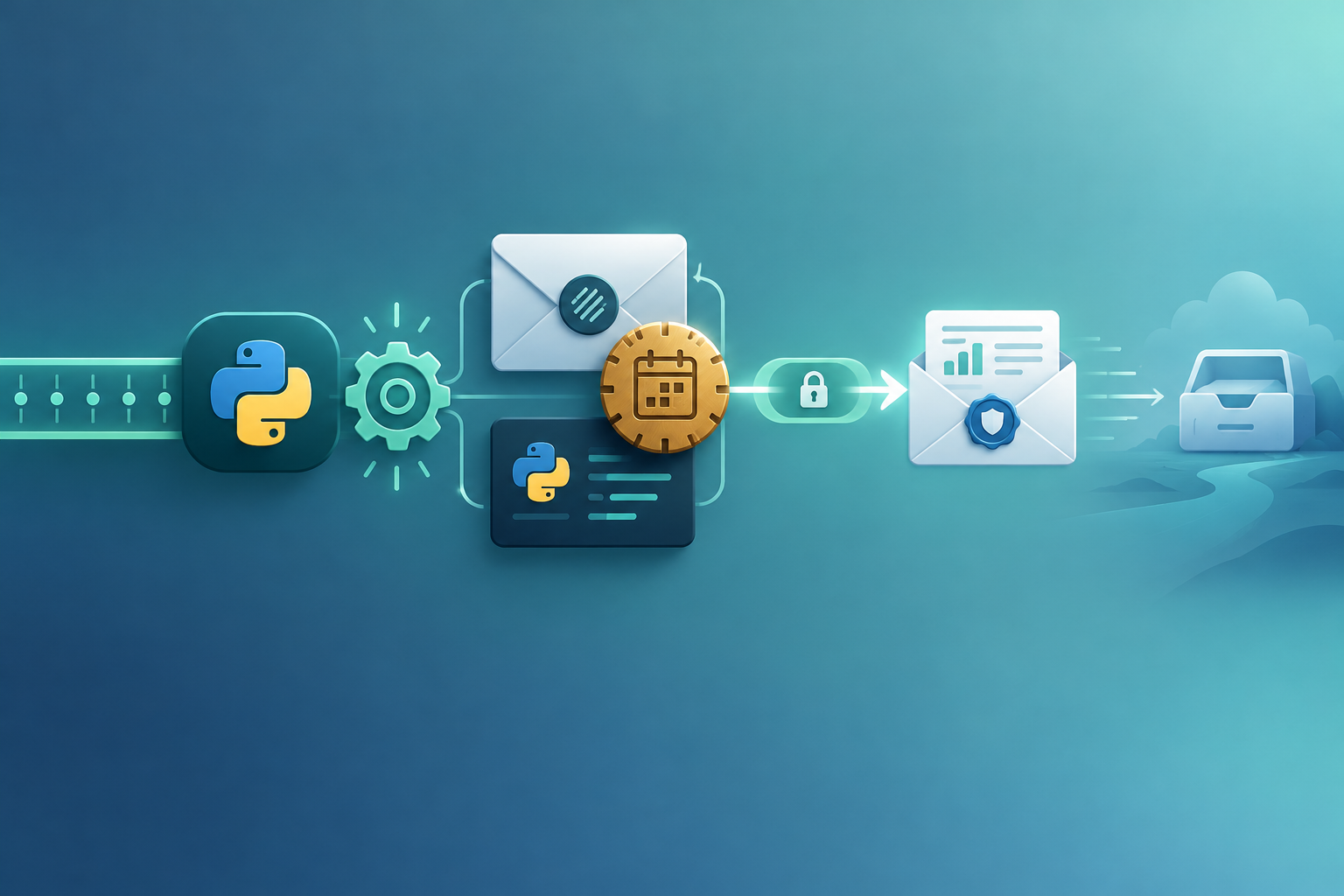
APScheduler owns the schedule — Rovela delivers the mail
APScheduler (Advanced Python Scheduler) runs cron, interval, and date triggers inside a Python process — commonly BackgroundScheduler or AsyncIOScheduler with a CronTrigger. Unlike Celery Beat, it does not require a separate broker-backed Beat service (unless you add a job store). That fits digests whose body depends on live ORM/API state at fire time rather than content frozen earlier with Rovela scheduled_at.
Distinct from Celery Beat Transactional Email — this post is APScheduler in-process (or with its own job store), not Celery beat_schedule.
Rovela queues, DKIM-signs, and delivers when your job method calls POST https://api.rovela.dev/emails (Send Email API, Quick Start, Authentication). APScheduler owns the cadence and “is due?” logic. Your job method owns aggregation, secrets for sending_access, and a stable Idempotency-Key per schedule window. Rovela only delivers.
This guide wires APScheduler → job method → Rovela that:
- Declares
scheduler.add_job(send_daily_digest, CronTrigger(hour=9, minute=0, timezone="UTC"), id="daily-digest-email", replace_existing=True) - Keeps
ROVELA_API_KEY(sending_access),MAIL_FROM, and recipients in server-only config — never in browsers, SPA bundles, or a public Git tree - Aggregates a digest / report for the current schedule window inside the job method
- Sends via Rovela with a window-scoped
Idempotency-Key - Survives retries, restarts, and multi-worker fleets without duplicate mail
Rovela does not create APScheduler schedules, workers, or storage. APScheduler owns schedule → enqueue/fire → execute. Your job method owns query → map fields → POST /emails. Rovela owns delivery.
Distinct from:
- Quartz Scheduler Transactional Email — Java Quartz
- node-cron Transactional Email — node-cron
- NestJS Schedule Cron Email — NestJS @Cron
- Laravel Task Scheduler Email — Laravel Schedule::
- Spring @Scheduled Email — Spring @Scheduled
- Resque-scheduler Email — Resque-scheduler
- RQ Scheduler Email — RQ Scheduler
- delayed_job Recurring Email — delayed_job
- Solid Queue Recurring Email — Solid Queue
- Hangfire Recurring Jobs Email — Hangfire
- Sidekiq-Cron Transactional Email — Sidekiq-Cron
- Celery Beat Transactional Email — Celery Beat
- Agenda.js Scheduled Jobs Email — agenda
- BullMQ Repeatable Email — BullMQ
- Temporal Schedule Email — Temporal
- Trigger.dev Cron Email — Trigger.dev
- Inngest Cron Transactional Email — Inngest
- Kubernetes CronJob Email — K8s CronJob
- Vercel Cron Digest Email — Vercel cron
- Scheduled Email Sending — scheduled_at
Also distinct from RQ Scheduler (Redis Queue) — APScheduler is not RQ.
What APScheduler schedules vs what Rovela sends
| Concern | Owner |
|---|---|
| Job id, CronTrigger, timezone, jobstore | APScheduler |
| Process / async loop must stay running | Your Python host |
| Coalesce / max_instances | APScheduler job defaults |
Server secrets for ROVELA_API_KEY (sending_access) | Process / worker env / secret store |
| Query DB / APIs for the window | Your job method |
| Render HTML + text | Your job method |
POST /emails, DKIM, queue, bounces | Rovela |
Idempotency-Key = apscheduler-daily-digest:{yyyy-mm-dd} | Your job method |
A 200 from Rovela means accepted and queued, not “already in the inbox” (Quick Start).
APScheduler constraints that shape the email job
-
Process must stay up (or use a persistent job store + a runner).
-
Multiple processes each with BackgroundScheduler can double-fire — run one scheduler process or use a shared job store with appropriate locking.
-
Set explicit
id+replace_existing=TrueandtimezoneonCronTrigger. -
Use
max_instances=1/ coalesce for digest jobs that must not overlap. -
Distinct from Celery Beat’s broker heartbeats — do not mix both for the same mail cron without clear ownership.
-
Keep
sending_accessserver-only. StoreROVELA_API_KEYin environment / vault — never in client apps or public Git (Authentication). -
Prefer HTTPS
POST /emails. Outbound SMTP from a worker is a poor fit (Email API vs SMTP).
When to use APScheduler + POST /emails (not scheduled_at)
Use APScheduler → live send when:
- The HTML must include fresh metrics at fire time
- You already run APScheduler and want schedules next to the same workers
- You need cron-like digests without adopting a separate SaaS scheduler
- One (or a few) transactional messages go to ops / founder / customer addresses looked up at run time
Use Rovela scheduled_at when the body is already correct and you only need “deliver later” without a running scheduler (Scheduled Email Sending). Prefer Celery Beat when you already run Celery workers at scale; prefer APScheduler for a single Python service without a broker.
Prerequisites
- A verified sending domain in Rovela. Unverified
fromdomains are refused with400(Quick Start). - An API key shaped like
re_…. Prefersending_accessfor the worker (Authentication). - Python app with
apschedulerinstalled and a long-lived process starting the scheduler. - Config:
ROVELA_API_KEY,MAIL_FROM,DIGEST_TO. - HTTP client (
urllib,httpx, orrequests) for Rovela — keep the API key server-side.
Register the schedule
pip install apscheduler
from apscheduler.schedulers.background import BackgroundScheduler
from apscheduler.triggers.cron import CronTrigger
from digest import send_daily_digest, send_ops_pulse

scheduler = BackgroundScheduler(timezone="UTC")
scheduler.add_job(
    send_daily_digest,
    CronTrigger(hour=9, minute=0, timezone="UTC"),
    id="daily-digest-email",
    replace_existing=True,
    max_instances=1,
    coalesce=True,
)
scheduler.add_job(
    send_ops_pulse,
    CronTrigger(minute="*/15", timezone="UTC"),
    id="ops-pulse-email",
    replace_existing=True,
    max_instances=1,
    coalesce=True,
)
scheduler.start()
# keep the process alive (Flask/FastAPI lifespan, or a dedicated worker loop)
Job method that calls Rovela
import os, json, urllib.request
from datetime import datetime, timezone

def send_daily_digest():
    day = datetime.now(timezone.utc).strftime("%Y-%m-%d")
    idempotency_key = f"apscheduler-daily-digest:{day}"
    stats = {"signups": 12, "paid": 3, "incidents": 1}  # replace with ORM queries
    to = [x.strip() for x in os.environ["DIGEST_TO"].split(",") if x.strip()]
    subject = f"Acme daily digest — {day}"
    text = f"Signups: {stats['signups']}\nPaid: {stats['paid']}\nIncidents: {stats['incidents']}"
    html = (
        f"<h1>Daily digest — {day}</h1><ul>"
        f"<li>Signups: <b>{stats['signups']}</b></li>"
        f"<li>Paid: <b>{stats['paid']}</b></li>"
        f"<li>Open incidents: <b>{stats['incidents']}</b></li></ul>"
    )
    # never log ROVELA_API_KEY
    print({"msg": "apscheduler digest", "day": day, "idempotency_key": idempotency_key})
    result = send_transactional(to=to, subject=subject, html=html, text=text,
                                idempotency_key=idempotency_key,
                                tags={"kind": "apscheduler-daily-digest", "day": day, "platform": "apscheduler"})
    print({"msg": "rovela accepted", "emailId": result.get("id"), "day": day})

def send_transactional(*, to, subject, html, text, idempotency_key, tags):
    api_key = os.environ["ROVELA_API_KEY"]
    from_addr = os.environ["MAIL_FROM"]
    payload = json.dumps({"from": from_addr, "to": to, "subject": subject, "html": html, "text": text, "tags": tags}).encode()
    req = urllib.request.Request(
        "https://api.rovela.dev/emails", data=payload, method="POST",
        headers={"Authorization": f"Bearer {api_key}", "Content-Type": "application/json", "Idempotency-Key": idempotency_key},
    )
    with urllib.request.urlopen(req, timeout=30) as resp:
        return json.loads(resp.read().decode())
Window-scoped Idempotency-Key
Rovela’s Idempotency-Key (up to 256 characters) makes a retry of the same send within 24 hours return the original response instead of mailing again (Send Email API). That matters because:
- Retries re-enter the job after 5xx / timeouts
- Crash after Rovela
200but before the job is marked succeeded can redeliver - Queue lag can shift wall-clock — key off the business schedule window, not millisecond now
- Multi-tenant jobs need tenant ids in the key
Recommended keys:
| Key | Use when |
|---|---|
apscheduler-daily-digest:{yyyy-mm-dd} | One ops digest per UTC day |
apscheduler-ops-pulse:{yyyy-mm-dd}T{HH}-{MM} | /15 or hourly crontab (bucket to the window) |
apscheduler-tokyo-ops:{yyyy-mm-dd} | Local-TZ morning digest |
apscheduler-weekly-report:{yyyy}-W{ww} | One founder report per ISO week |
apscheduler-tenant-digest:{tenantId}:{yyyy-mm-dd} | Per-tenant job args |
If you mail many personalized digests in one job, prefer per-recipient keys (or POST /emails/batch for up to 100 non-template messages — batch rejects template / topic_id by design).
Attach secrets and verify the schedule
- Set
ROVELA_API_KEY(sending_access),MAIL_FROM,DIGEST_TOon the process that runs the scheduler/worker. - Confirm the schedule entry is registered with the expected cron and timezone.
- Confirm workers are online.
- Wait for the next tick, or trigger once in non-prod while keeping the window key stable.
- Check logs for
idempotencyKey+ RovelaemailId. Optionally correlate later with Rovela webhooks.
Prefer sending_access on production senders — never full_access. Never log API keys. Rotate Rovela by create-then-revoke.
Failure modes and how to handle them
| Symptom | Likely cause | What to do |
|---|---|---|
| Cron never fires | Scheduler/worker down | Keep the scheduling process always on |
| Double digests | Multiple schedulers / replicas | Single leader or distributed lock / persistent store |
| Wrong wall time | Assumed UTC / wrong timezone | Set timezone explicitly |
| Duplicate digests after retries | Unstable key / keyed by ms now | Use window-scoped keys; Idempotency-Key collapses duplicates within 24h |
Rovela 401 | Bad / missing ROVELA_API_KEY | Fix server env; confirm sending_access |
Rovela 400 naming a domain | MAIL_FROM domain not verified | Verify the domain under Rovela Domains |
Rovela 429 | Rate limit | Raise/retry; keep the same Idempotency-Key |
| Secrets in Git | Key committed | Keep only in env / vault |
Production checklist
- Verified Rovela sending domain;
MAIL_FROMmatches it ROVELA_API_KEYissending_access, in worker env / vault only- Scheduler + workers always running as documented for APScheduler
- Documented cron + timezone
- Rovela send uses a window-scoped
Idempotency-Key - Logs show successful
emailIdwithout printing secrets - Alerts on consecutive job failures / scheduler down
- Optional: Rovela webhooks for
email.bounced/email.complainedon digest recipients
FAQ
Can the scheduler call Rovela without a job method? No usefully — the scheduler only wakes your code. Your method must aggregate live data and keep sending_access local. Rovela does not host your scheduler or workers.
Should I use Rovela scheduled_at from the job? Usually no. If the scheduler already fires at send time with a live body, call POST /emails immediately. Use scheduled_at when you accept the message now and want Rovela to deliver later without another wake (Scheduled Email Sending).
What key scope does sending_access cover? Enough to queue mail via POST /emails / batch. Reading messages, rescheduling, and cancel need full_access or a dashboard session (Send Email API, Authentication). Keep the worker on sending_access.
Does a 200 mean the founder already got the digest? No — it means Rovela accepted and queued the message. Use GET /emails/:id, events, or webhooks for delivery state (Quick Start).
Why both scheduler retries and Rovela Idempotency-Key? The scheduler retries the job when your code fails. Rovela’s key collapses duplicate sends if the HTTP call succeeds twice in the same window (or times out after Rovela accepted). You want both layers.
Ship the recurring job; let Rovela deliver
Register the APScheduler schedule with an explicit cron and timezone, put live aggregation and POST /emails in the job method, scope Idempotency-Key to the schedule window (and tenant), and keep sending_access server-only. APScheduler wakes on time; Rovela delivers the transactional mail.