Sending OTP codes by email: a complete implementation guide
How to send one-time passcodes by email using SMTP or a transactional email API, with code examples for secure random generation, Redis-backed validation, and rate limiting.
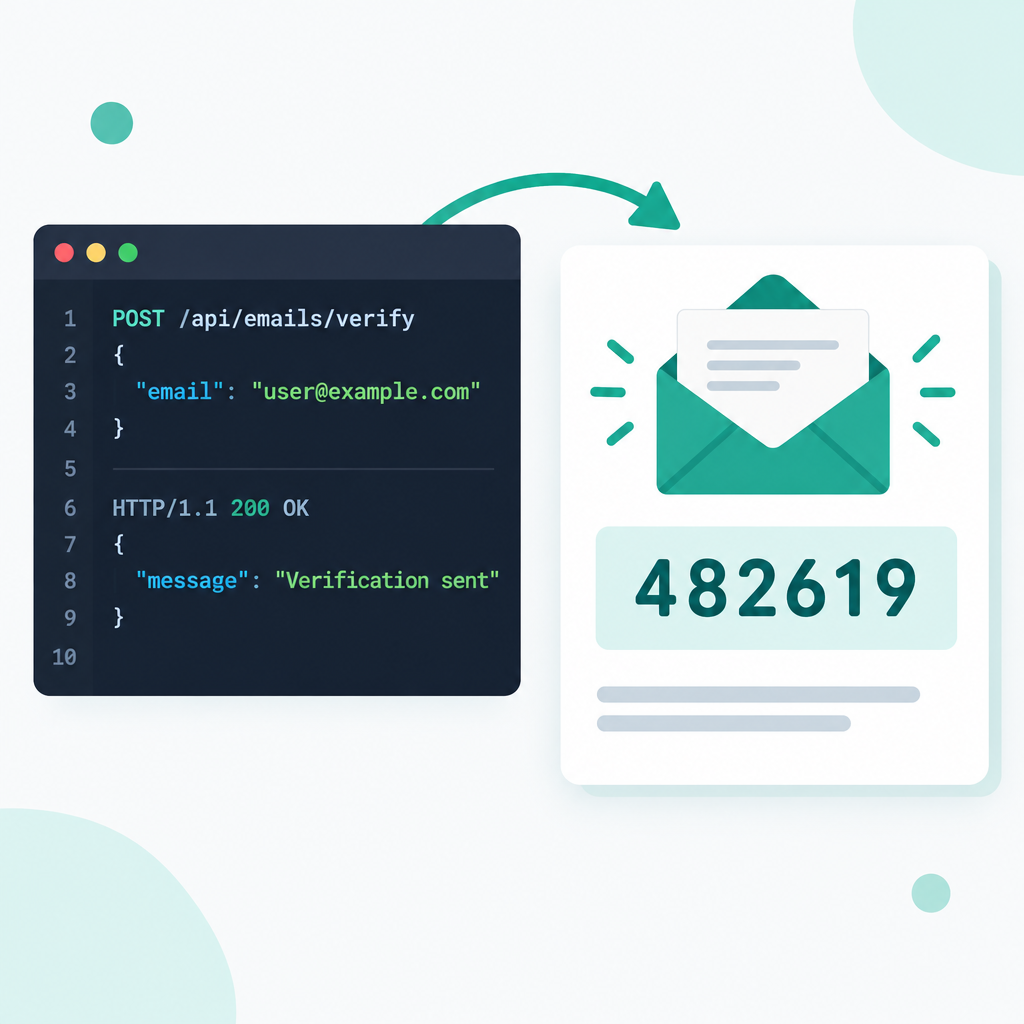
Sending a one-time passcode (OTP) by email is a straightforward authentication step: the user registers or signs in, the server sends a six-digit code, and the user enters it to verify ownership of the address. Getting the implementation right involves choosing the right sending path, generating codes safely, and storing and validating them correctly.
Sending options
Transactional email APIs (Resend, SendGrid, Postmark): purpose-built for programmatic sending, with REST or SDK interfaces, high throughput, and built-in deliverability tooling. The right choice for production at scale. They have a cost and their latency from mainland China varies by provider.
SMTP relay: send through your own domain mailbox or a provider-supplied relay. Works well for low-to-moderate volume, or when you already have mail hosting. Rovela mailboxes expose a standard SMTP endpoint.
Sending with Rovela SMTP
Connection settings:
- Host:
mx.rovela.dev - Port: 465 (SSL/TLS) or 587 (STARTTLS)
- Username: your email address
- Password: an app-specific password generated in the dashboard
Node.js example using nodemailer:
const nodemailer = require('nodemailer');

const transporter = nodemailer.createTransport({
  host: 'mx.rovela.dev',
  port: 465,
  secure: true,
  auth: {
    user: 'noreply@yourcompany.com',
    pass: process.env.SMTP_PASS, // never hard-code
  },
});

async function sendOtp(to, code) {
  await transporter.sendMail({
    from: '"Your App" <noreply@yourcompany.com>',
    to,
    subject: 'Your verification code',
    text: `Your code is ${code}. It expires in 5 minutes.`,
    html: `<p>Your code is <strong>${code}</strong>. It expires in 5 minutes.</p>`,
  });
}
Generating OTPs
Use a cryptographically secure source, not Math.random():
const crypto = require('crypto');

function generateOtp(length = 6) {
  const max = Math.pow(10, length);
  const buf = crypto.randomBytes(4);
  return String(buf.readUInt32BE(0) % max).padStart(length, '0');
}
Storing and validating
Keep the code server-side (database or Redis) with an expiry. At validation time:
- Check the code exists and has not expired (5–10 minutes is typical)
- Compare in constant time to prevent timing attacks
- Delete the code immediately after a successful match (single use)
- Rate-limit sends per address to prevent abuse
Redis example:
const redis = require('redis');
const client = redis.createClient();

async function storeOtp(email, code, ttlSeconds = 300) {
  await client.set(`otp:${email}`, code, { EX: ttlSeconds });
}

async function verifyOtp(email, inputCode) {
  const stored = await client.get(`otp:${email}`);
  if (!stored) return { ok: false, reason: 'expired' };
  const match = crypto.timingSafeEqual(
    Buffer.from(stored), Buffer.from(inputCode)
  );
  if (!match) return { ok: false, reason: 'wrong_code' };
  await client.del(`otp:${email}`);
  return { ok: true };
}
Rate limiting sends
One code per address per minute keeps you from being used to spam someone else's inbox and protects your sending quota:
async function canSendOtp(email) {
  const key = `otp_lock:${email}`;
  const set = await client.set(key, '1', { NX: true, EX: 60 });
  return set !== null; // null means the key already existed
}