Send an Invoice Email with a PDF Attachment (2026) via HTTP API
Send an invoice PDF with Rovela POST /emails attachments[] (base64, filename, content_type), Idempotency-Key = invoice number, and newline-stripped base64—curl and Node fetch from live docs.
Why invoice PDFs need a deliberate send path
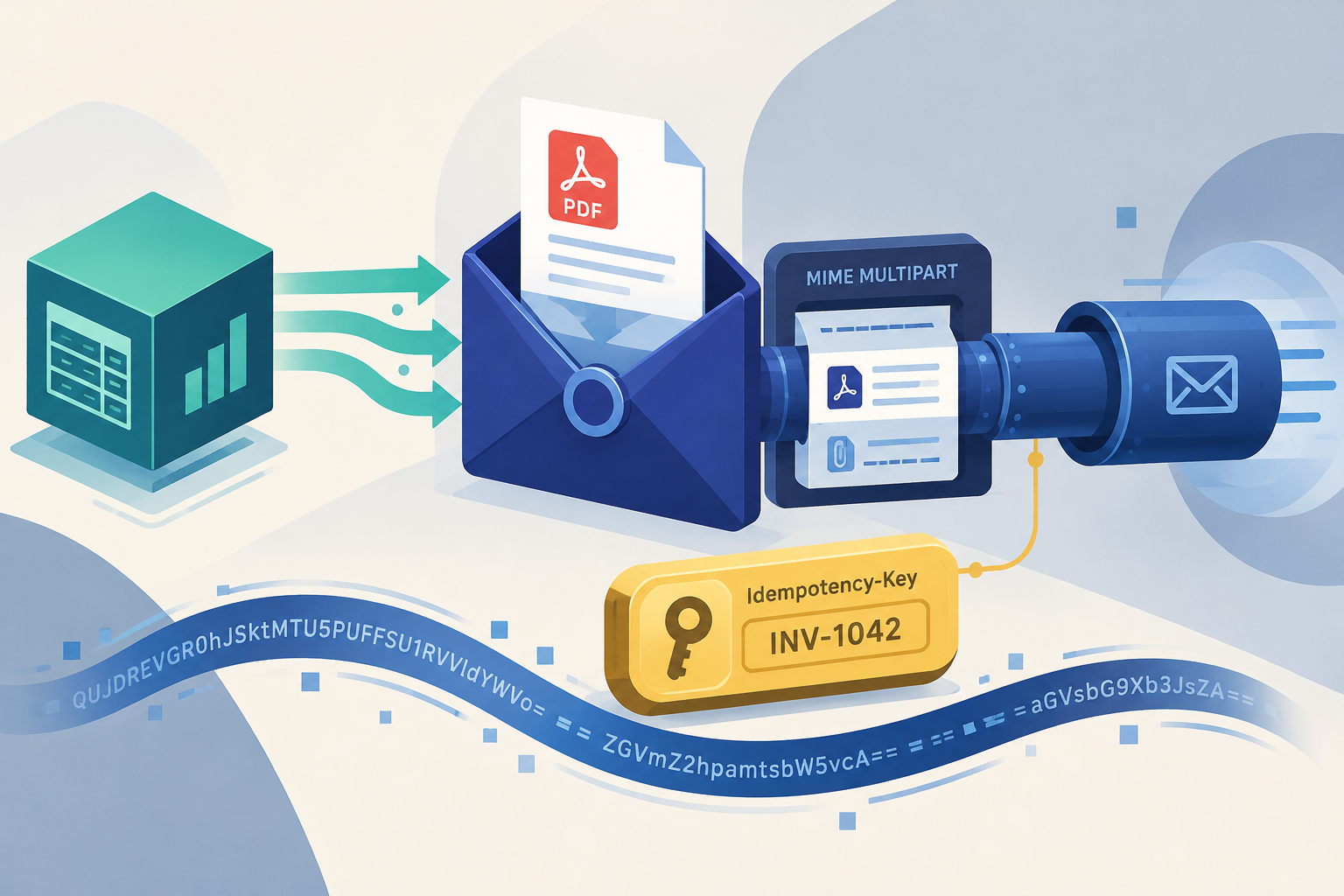
Finance systems generate a PDF, then need that file in the customer's mailbox—usually the same minute the invoice is finalized. The Rovela path is a single HTTP call: POST https://api.rovela.dev/emails with an attachments[] entry (filename, base64 content, content_type), plus an Idempotency-Key keyed to the invoice number so a retried job never double-mails.
This article follows the live recipe in Invoice with an attachment and the attachments field on Send Email. It uses curl and Node fetch—the same patterns the docs show. Rovela does not require an SDK method like rovela.emails.send for this flow.
It is not the overview post Email Attachments Guide (formats, provider caps, link-vs-attach tradeoffs). It is also not Welcome Email Best Practices (onboarding copy). Sibling transactional posts: Next.js magic link, Express OTP, Bun transactional email.
What you own vs what Rovela sends
Your billing / ERP job owns:
- Rendering or locating the invoice PDF on disk (or in object storage before you base64 it)
- Invoice number, amount, due date, and the customer billing address
- Choosing
Idempotency-Key(docs use the invoice number—e.g.invoice-1042/invoice-+ number) - Encoding bytes as single-line base64 (strip newlines) and setting
content_type: "application/pdf" - Putting number / amount / due date in the HTML and text bodies so a phone notification is useful without opening the PDF
- Preferring one
POST /emailsper invoice rather than/emails/batchfor attached PDFs
Rovela owns:
- Accepting the JSON, decoding attachments, building a proper MIME multipart, DKIM-signing, queueing, retries, and event history
- Enforcing the documented request size cap (see below)
A 200 with {"object":"email","id":"..."} means accepted and queued, not “opened in Outlook.”
Prerequisites
- A verified sending domain in the Rovela dashboard. Sends from an unverified
fromdomain are refused with400(Quick Start). - An API key that looks like
re_…. Prefersending_accessfor production invoice senders (Authentication). - The invoice PDF available to the process that will call the API (local path in the examples below).
Size limit (from the invoice example docs)
The live invoice example states: the whole JSON request is capped at 2 MB. Base64 expands the file by about a third, which leaves roughly 1.5 MB for all attachments together. Over the limit → 413 before anything is sent.
That fits a typical invoice or receipt. For larger packs (scanned statements, multi-megabyte reports), put the file in your own storage and send a link instead—also kinder to corporate gateways that strip big attachments. For a broader formats/security overview (not this invoice recipe), see Email Attachments Guide and Invoice with an attachment.
curl: strip newlines, then POST
GNU base64 wraps at 76 characters by default. The Rovela decoder rejects line breaks inside the base64, so strip them the same way on Linux and macOS:
PDF=$(base64 < invoice-1042.pdf | tr -d '\n')

curl -X POST https://api.rovela.dev/emails \
  -H "Authorization: Bearer re_your_sending_key" \
  -H "Content-Type: application/json" \
  -H "Idempotency-Key: invoice-1042" \
  -d @- <<EOF
{
  "from": "Acme Billing <billing@mail.acme.com>",
  "to": "accounts@customer.com",
  "subject": "Invoice INV-1042 from Acme",
  "html": "<p>Hi,</p><p>Your invoice for September is attached. Total due: <strong>\$480.00</strong> by October 15.</p>",
  "text": "Hi,\n\nYour invoice for September is attached. Total due: \$480.00 by October 15.",
  "attachments": [
    {
      "filename": "INV-1042.pdf",
      "content": "$PDF",
      "content_type": "application/pdf"
    }
  ]
}
EOF
Why content_type matters
Without content_type, the part is sent as application/octet-stream. Many clients then show an “unknown file” instead of previewing a PDF. Set "content_type": "application/pdf" every time.
Why Idempotency-Key
Queues, cron retries, and webhook-driven jobs will send twice if the first response times out. With Idempotency-Key: invoice-1042 (up to 256 characters; retries within 24 hours return the original response), the customer gets one invoice email, not two. See Idempotency on Send Email.
Node.js: fetch + invoice number as the key
import { readFile } from "node:fs/promises";

export async function sendInvoice(invoice, pdfPath) {
  const pdf = await readFile(pdfPath);

  const res = await fetch("https://api.rovela.dev/emails", {
    method: "POST",
    headers: {
      Authorization: "Bearer " + process.env.ROVELA_API_KEY,
      "Content-Type": "application/json",
      // The invoice number is the natural key: a retried job never bills twice.
      "Idempotency-Key": "invoice-" + invoice.number,
    },
    body: JSON.stringify({
      from: "Acme Billing <billing@mail.acme.com>",
      to: invoice.billingEmail,
      reply_to: "billing@acme.com",
      subject: "Invoice " + invoice.number + " from Acme",
      html: "<p>Your invoice " + invoice.number + " is attached.</p>",
      text: "Your invoice " + invoice.number + " is attached.",
      attachments: [
        {
          filename: invoice.number + ".pdf",
          content: pdf.toString("base64"),
          content_type: "application/pdf",
        },
      ],
    }),
  });
  if (!res.ok) throw new Error("invoice email failed: " + res.status);
  return (await res.json()).id;
}
Buffer#toString("base64") does not insert newlines, so you avoid the curl wrapping pitfall. Keep ROVELA_API_KEY in the server environment—never in a browser bundle.
reply_to points answers at a mailbox people actually read, while from stays on the verified sending subdomain (docs).
Good habits for invoice mail
- Essentials in the body — number, amount, due date. Preview panes and lock-screen notifications will not open the PDF.
- Clean filenames — no spaces or personal data; the name shows in every client and in forwards (
INV-1042.pdf, notJohn Doe invoice final (2).pdf). - One request per invoice — do not push attached invoices through
/emails/batch: the batch shares the same 2 MB body, and one invalid entry rejects the whole batch. See Batch and scheduled sends in the API reference / the invoice example’s “Good habits” section. - Confirm delivery asynchronously — poll
GET /emails/:id/ events for debugging, or subscribe to webhooks in production (Quick Start).
Errors you will actually hit
From Send Email and the invoice example:
| Status | Typical cause |
|---|---|
400 | Missing required field, base64 that does not decode (often leftover newlines), or from domain not verified |
401 | Missing/invalid key |
413 | Whole JSON body over the 2 MB cap |
429 | Rate limit |
Surface the API message string in your logs as-is.
Checklist
- Domain verified;
fromuses that domain (or a verified subdomain). - PDF encoded as single-line base64;
content_typeisapplication/pdf. Idempotency-Keystable per invoice number.- HTML and text bodies include number / amount / due date.
- Request under the 2 MB JSON cap; otherwise link out.
- One
POST /emailsper invoice with an attachment.