Send Your First Email in 5 Minutes with Rovela
A step-by-step guide to integrating Rovela's email API: create an API key, verify your domain, and send a transactional email from any language in minutes.
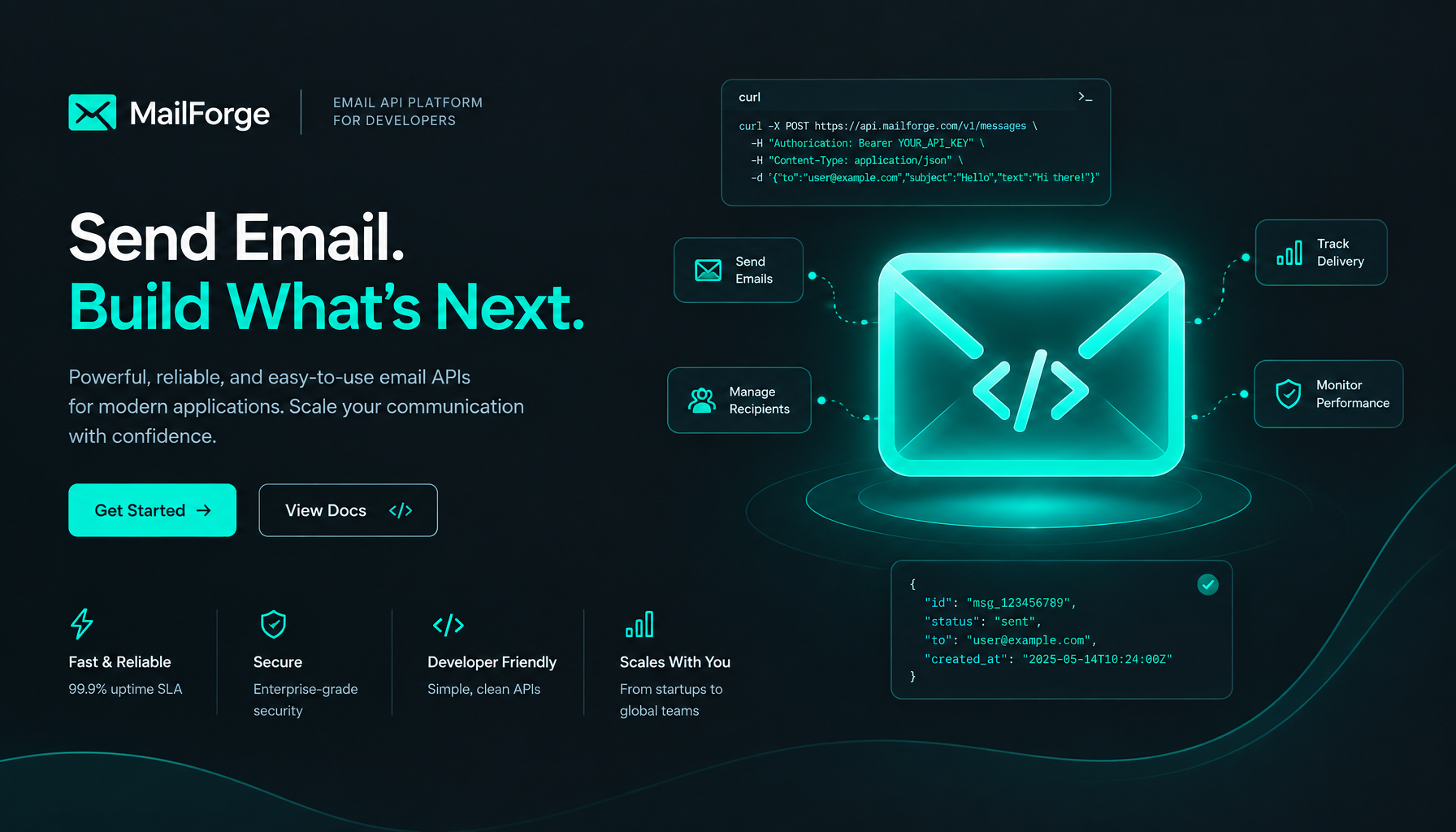
Send Your First Email in 5 Minutes with Rovela
Rovela is a developer-first email platform. You call one HTTP endpoint, we handle delivery, tracking, and compliance. This guide gets you from zero to a delivered message in under five minutes.
Prerequisites
- A domain you control (e.g.
acme.com) - An account at rovela.dev
Step 1: Create an API Key
Sign in, open Settings → API Keys, and click New Key. Copy the key — it is shown only once.
Step 2: Verify your sending domain
Go to Domains → Add domain and enter your domain. Rovela generates three DNS records:
| Type | Name | Value |
|---|---|---|
| TXT | _rovela.acme.com | ownership proof |
| TXT | rovela._domainkey.acme.com | DKIM public key |
| TXT | _dmarc.acme.com | DMARC policy |
Add them at your DNS provider, then click Verify. DKIM signing starts automatically once the records are live.
Step 3: Send your first email
curl -X POST https://api.rovela.dev/v1/emails \
  -H "Authorization: Bearer YOUR_API_KEY" \
  -H "Content-Type: application/json" \
  -d '{
    "from": "you@acme.com",
    "to":   ["user@example.com"],
    "subject": "Hello from Rovela",
    "text": "This email was sent via the Rovela API.",
    "html": "<p>This email was sent via the <strong>Rovela API</strong>.</p>"
  }'
A successful response looks like:
{
  "id": "msg_01jx4...",
  "status": "queued"
}
Step 4: Track delivery
Every email gets a unique ID. Poll GET /v1/emails/{id} or subscribe to webhooks for real-time delivery, open, and click events.
curl https://api.rovela.dev/v1/emails/msg_01jx4... \
  -H "Authorization: Bearer YOUR_API_KEY"
What's next?
- Templates — store reusable HTML with variable slots
- Webhooks — push delivery events to your own endpoint
- Suppressions — honour unsubscribes automatically
The full API reference covers every field and response code.