Business email vs personal email: the key differences
How business and personal email differ in ownership, brand, and administrative control — and when it makes sense to switch from a free provider to a domain address.
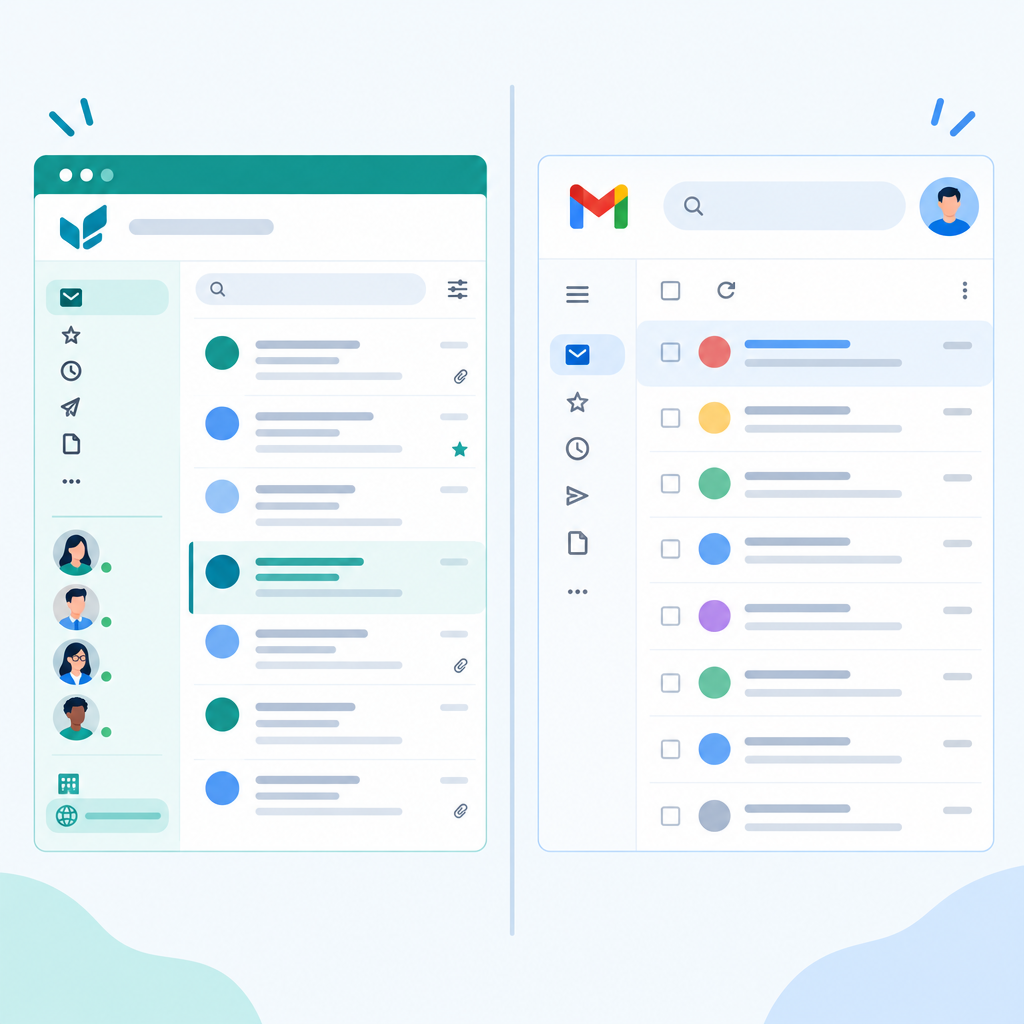
Business email and personal email run on the same protocols — SMTP, IMAP, and SMTP AUTH — but they differ fundamentally in who owns and controls the account.
The core difference
A personal email address belongs to the individual. The service provider's domain appears in the address (say, @gmail.com or @163.com). If an employee uses a personal address for work and then leaves the company, the company cannot close that account, read its contents, or redirect its mail.
A business email address uses the company's own domain. The admin created it, the admin can disable or redirect it on any given day, and the address itself carries the company's brand in every message.
Why it matters operationally
Offboarding. When someone leaves, the admin closes or forwards the mailbox immediately. The former employee cannot receive mail under the company's name, and the business relationship transfers cleanly.
Credibility. A shared pitch deck or proposal arriving from bd@yourcompany.com reads differently from the same document arriving from yourcompany_bizdev@gmail.com. The address is part of the signal.
Shared inboxes. Business email lets teams create addresses like support@, invoices@, or hello@ that multiple people can monitor from one place, without everyone being copied individually.
Authentication. A managed domain can have SPF, DKIM, and DMARC records set precisely, which helps transactional and marketing email land in inboxes rather than spam.
When personal addresses are fine
For a solo project, a personal address works until you have someone else to send mail on behalf of the project, or until professional credibility with external contacts matters. At that point the cost of a domain email service — either free with a Rovela account or a few dollars a month with paid tiers — is usually less than the signal you give up by keeping the free-provider suffix.
Rovela lets you add a domain and create up to five mailboxes at no cost, so the switch does not require a purchasing decision.