Business Email Compromise: How Attackers Hijack Accounts
How BEC fraud works in foreign trade, the four attack paths, and concrete steps — per-device credentials, 2FA, DMARC, forwarding rule audits — to stop it.
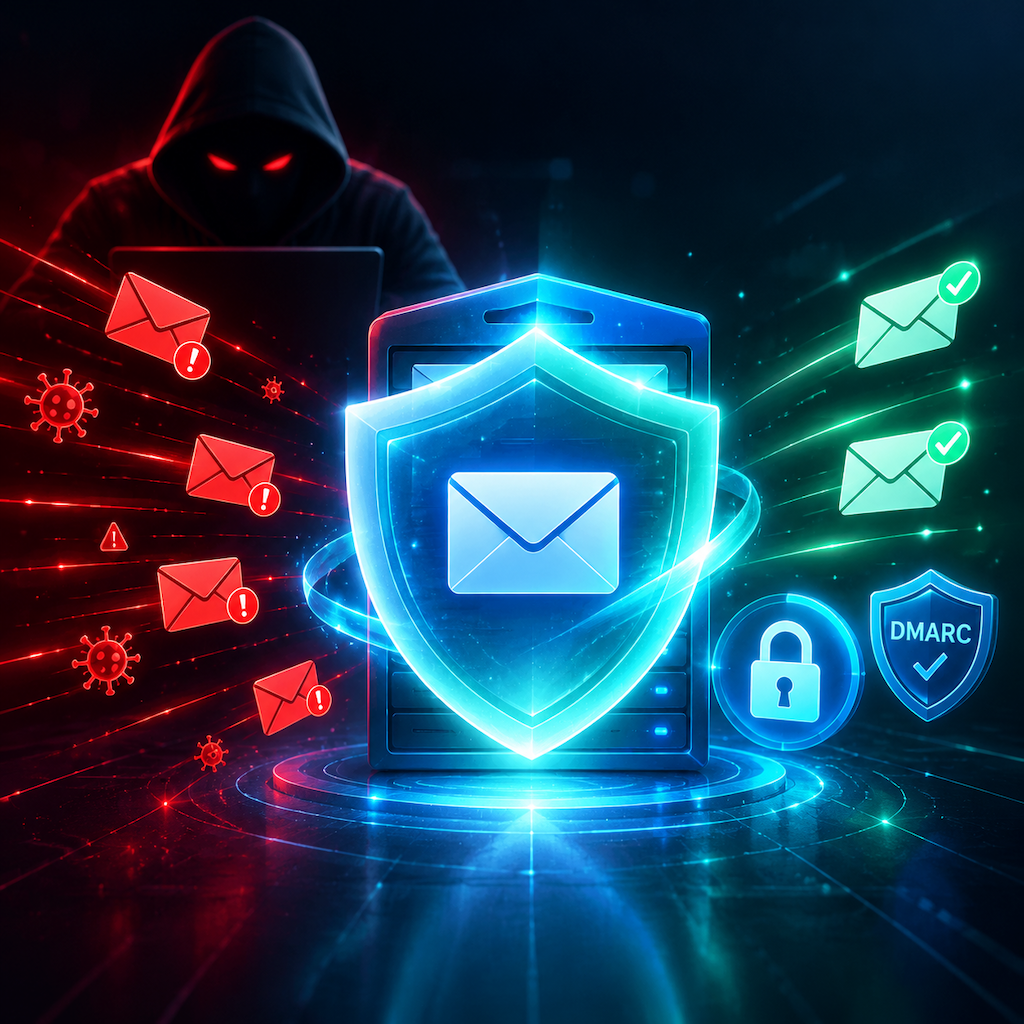
Business Email Compromise: How Attackers Hijack Accounts and How to Stop Them
Business email compromise (BEC) is the most expensive type of cybercrime aimed at companies. The attack works by taking over a legitimate email account — yours or your supplier's — and redirecting a wire transfer or diverting a shipment. The attacker doesn't need to break encryption or run malware; they just need your password.
How BEC attacks happen
Password theft
The most common entry point. Attackers use phishing pages that look exactly like your email provider's login screen, credential-stuffing attacks using passwords leaked from other breaches, or keyloggers installed via malicious email attachments.
Once they have the password, they log in quietly, read your correspondence for weeks, learn your clients' payment schedules, and wait for the right invoice to intercept.
Domain spoofing and lookalike domains
Attackers register domains that look like yours: company-inc.com instead of company.com, cornpany.com (the "rn" trick), or company.org when your real domain is .com. They then email your clients from those domains pretending to be you.
This attack is especially dangerous because the attacker never touches your account — your inbox is fine, but your client already wired money to the wrong account.
Email forwarding rules
After gaining access, one of the first things an attacker does is create a silent forwarding rule: all emails matching invoice, payment, or wire transfer go to their external address. They then delete the rule notification and read your business correspondence indefinitely, even after you change your password — unless you also audit and delete all forwarding rules.
The most common scenario in foreign trade
The attack targets a payment in progress. An attacker who has been monitoring your inbox sends a message to your client from your legitimate address (or a close lookalike) saying your banking details have changed. The client, seeing the message come from a familiar address with familiar writing style, updates their records and wires the next payment to the attacker's account.
By the time you discover it, the money is already in a third country.
How to prevent it
Require per-device credentials, never shared passwords
Rovela issues per-device mail credentials (mb_…) for IMAP and SMTP access. Each device or application uses its own credential; if one is compromised, revoke it from the dashboard without touching the others. Never share one password across all devices.
Enable two-factor authentication on your email login
2FA means a stolen password alone is not enough to access the account. Use an authenticator app (TOTP), not SMS — SIM-swap attacks can intercept SMS codes. Rovela's dashboard login supports TOTP.
Audit forwarding rules regularly
After any suspicious activity, and at least quarterly as a routine check: log into the Rovela dashboard, go to Settings → Mail rules, and look for any forwarding rules you didn't create. Delete everything you don't recognise.
Set up DMARC to block spoofing of your domain
A DMARC policy at p=reject tells receiving servers to silently discard any message that claims to be from your domain but fails SPF or DKIM:
_dmarc.company.com TXT "v=DMARC1; p=reject; rua=mailto:dmarc@company.com;"
This doesn't protect you from lookalike domains, but it stops attackers from sending as your exact domain. Once you've verified that all your legitimate sending paths pass DKIM (check via the Rovela dashboard), move from p=none to p=quarantine to p=reject.
Verify payment changes out of band
Any email requesting a change to banking details — regardless of who it appears to come from — should trigger a phone call to a number you already know, not a number provided in the email. This single rule stops the vast majority of BEC fraud.
Train your finance team: the protocol is non-negotiable. If the CFO emails asking for a wire and it can't be confirmed by phone in five minutes, the wire waits.
Watch for signs of account compromise
- Sent mail you didn't send
- Contacts asking about emails you never wrote
- Login notifications from unfamiliar locations or devices (check the session log in Rovela dashboard → Settings → Sessions)
- Mail rules you didn't create
- Unexpected password reset emails for other services using this address
If you see any of these, revoke all per-device credentials immediately, change your login password, enable 2FA if it isn't on, and audit the forwarding rules.
If it already happened
- Revoke all credentials and change passwords immediately — get the attacker out
- Audit forwarding rules and delete any you didn't create
- Contact your bank and your client's bank the same day — international wires can sometimes be recalled if reported within 24 hours
- File a report with your local cybercrime authority (in China: the 110 police internet reporting platform)
- Notify affected clients so they can also check their accounts for related forwarding rules
The money recovery rate drops sharply after 24 hours and is near zero after 72 hours. Speed matters more than anything else.