Bulk Email Single Display: How to Send Without Exposing Addresses
Why BCC fails for bulk mail, how per-recipient individual sends work, Rovela's dashboard and API approach, and unsubscribe handling.
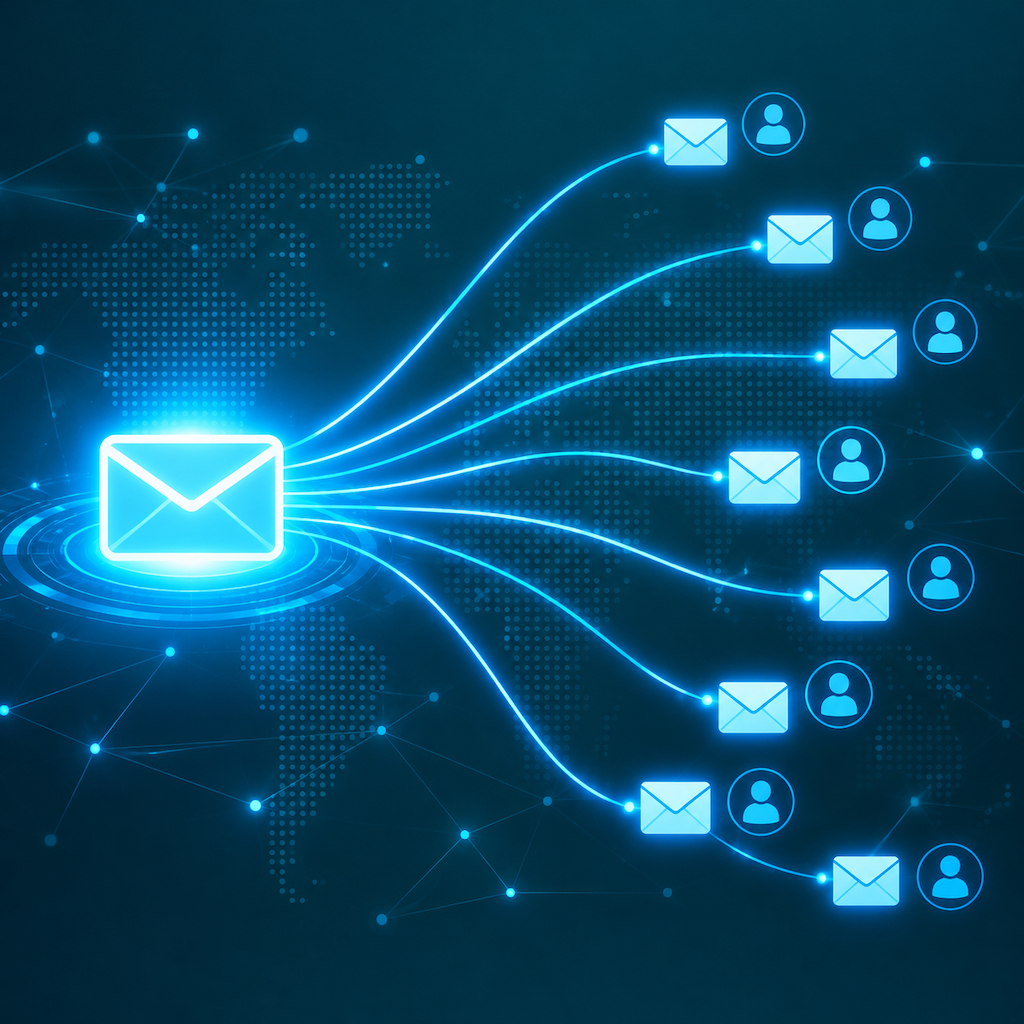
Bulk Email Single Display: How to Send to Many Without Exposing Everyone's Address
"Single display" (单显) in bulk email means each recipient sees only their own address in the To field — not a list of fifty other recipients. This is the standard expectation for any professional bulk email, and it affects deliverability, privacy, and how much recipients trust the message.
Why standard BCC doesn't solve it
Most people's first instinct is BCC: put all recipients in BCC and put something like Undisclosed recipients <noreply@yourcompany.com> in To. This works in the sense that recipients can't see each other, but it creates several problems:
- The To field shows an obviously fake address, which looks unprofessional and triggers spam filters
- Deliverability is poor — many inbox providers treat BCC-blasted messages as suspicious
- You can't personalise the subject or body for each recipient
- You have no visibility into who opened, clicked, or bounced
BCC is fine for one-off emails to two or three people. It is not a sending strategy for 50 or 5,000.
How single display actually works
Real single display means sending a separate, individually addressed message to each recipient. Each message has that recipient's address in the To field, contains personalised content if needed, and is tracked individually. From the recipient's perspective, the email appears to be written just for them.
This is how every professional email sending platform works — including Rovela's bulk send feature. You supply a list of addresses (and optionally a template with variables), and the platform generates and sends one message per recipient.
Setting this up in Rovela
Via the dashboard (no code)
Go to Bulk send → New campaign. Upload a CSV with at least an email column. Optionally add columns for name, company, or any variable you want to use in the template. Write your subject and body using {{name}}, {{company}}, and so on as placeholders.
The platform fills in each variable per row and sends an individual message to each address.
Via the API (for developers)
Use the batch send endpoint with a to array and per-recipient variable substitution:
POST /emails/batch
{
  "from": "Jane Wong <jane@company.com>",
  "template_id": "welcome-2024",
  "recipients": [
    { "to": "alice@client.com", "variables": { "name": "Alice", "company": "Acme" } },
    { "to": "bob@buyer.com",    "variables": { "name": "Bob",   "company": "Globex" } }
  ]
}
Each recipient gets their own message, tracked independently. Bounce, open, and click events come back per recipient via webhook.
What "single display" protects
- Privacy: recipients never learn who else you sent to. For B2B sales lists this is commercially sensitive data; for a healthcare provider it may be a legal obligation
- Deliverability: each message has a real To address, not a fake alias, which improves inbox placement
- Personalisation: you can address the recipient by name and tailor the content without any technical gymnastics
Unsubscribe and suppression
Any bulk email that includes unsubscribe handling needs a List-Unsubscribe header per RFC 8058. Rovela adds this automatically to messages sent via the bulk send feature. When a recipient clicks unsubscribe or marks the message as spam, their address is added to your suppression list and excluded from future sends — automatically, without you needing to maintain a blocklist manually.
Check your suppression list at any time via Settings → Suppression list or the /suppressions API endpoint.
Single display vs. a newsletter
They are the same mechanism, different framing. A "newsletter" is a recurring single-display send to subscribers. A "campaign" is a one-off single-display send. Both use per-recipient individual messages under the hood. The distinction is in how you schedule and manage them, not in the delivery technology.
Common mistakes
- Sending from a personal inbox with BCC and expecting professional deliverability — this does not scale
- Using a mail merge tool that sends via your personal SMTP credentials — this puts your entire account's reputation at risk and will trigger rate limits
- Not including an unsubscribe link — illegal in most jurisdictions for marketing mail, and the fastest way to generate spam complaints
- Sending to a list you haven't cleaned in over six months — old addresses hard-bounce, which hurts your sender reputation for future sends